SCANNING FROM TWAIN AND WIA
147
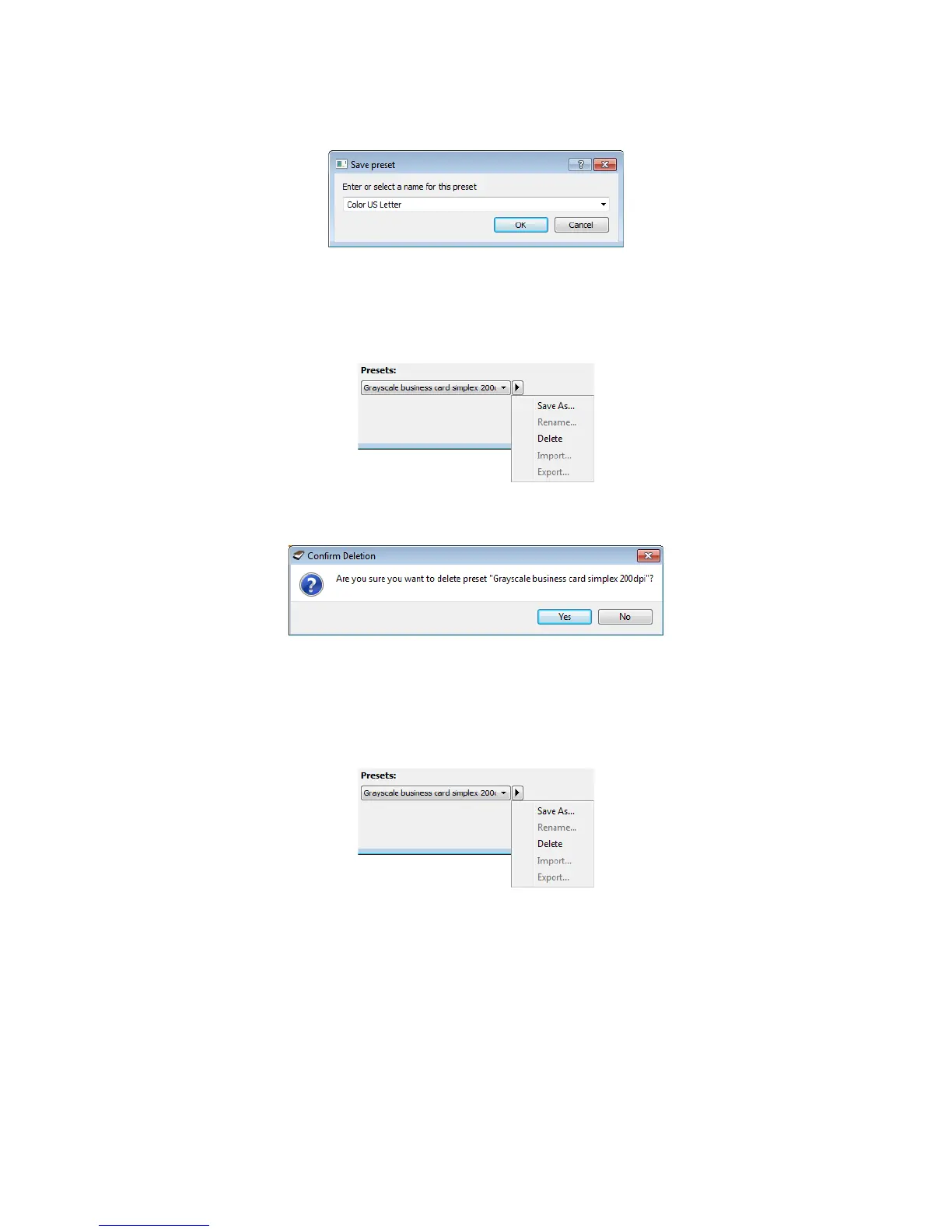
3. Type an new name for the preset in the name field and then click on OK in the dialogue.
To delete a preset:
1. Click the drop menu under Presets and select the preset you want to delete.
2. Click the right pointing arrow button and select Delete.
3. Click Ye s when prompted to confirm that you want to delete the currently selected preset.
EXPORTING PRESETS
1. Click on the right pointing arrow and select Export... from the list.














 To Next Page