SCANNING FROM TWAIN AND WIA
175
• Serial number—the scanner’s unique identification number.
• LLD version—the scanner’s base driver version. This is not the One Touch software revision, TWAIN or WIA
driver versions.
• Driver version—this is the version of the scanner’s TWAIN driver.
MAINTENANCE COUNTERS
• Counters—click the reset button next to the counter you want to set back to 0.
You can use this option to monitor the number of scans completed since the last time a part has been
replaced.
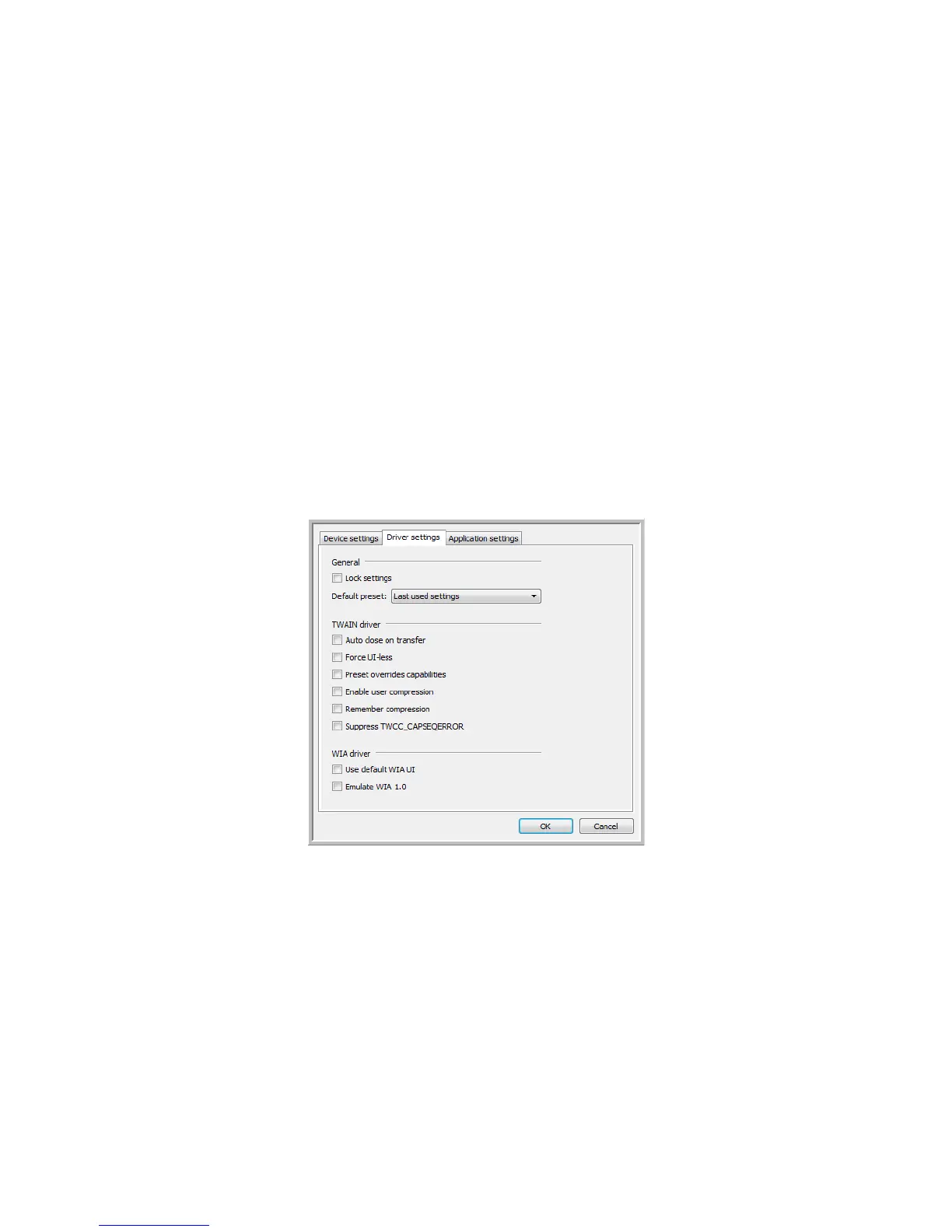
DRIVER SETTINGS
The options in this panel are for configuring how the scanner interface will behave in some scenarios. Only
advanced users should modify any of the options in this section. Options that are not available for your scanner
will be grayed out and disabled.














 To Next Page