INSTALLATION
23
INSTALL THE SOFTWARE AND CONNECT THE SCANNER
1. Start Microsoft Windows and make sure that no other applications are running.
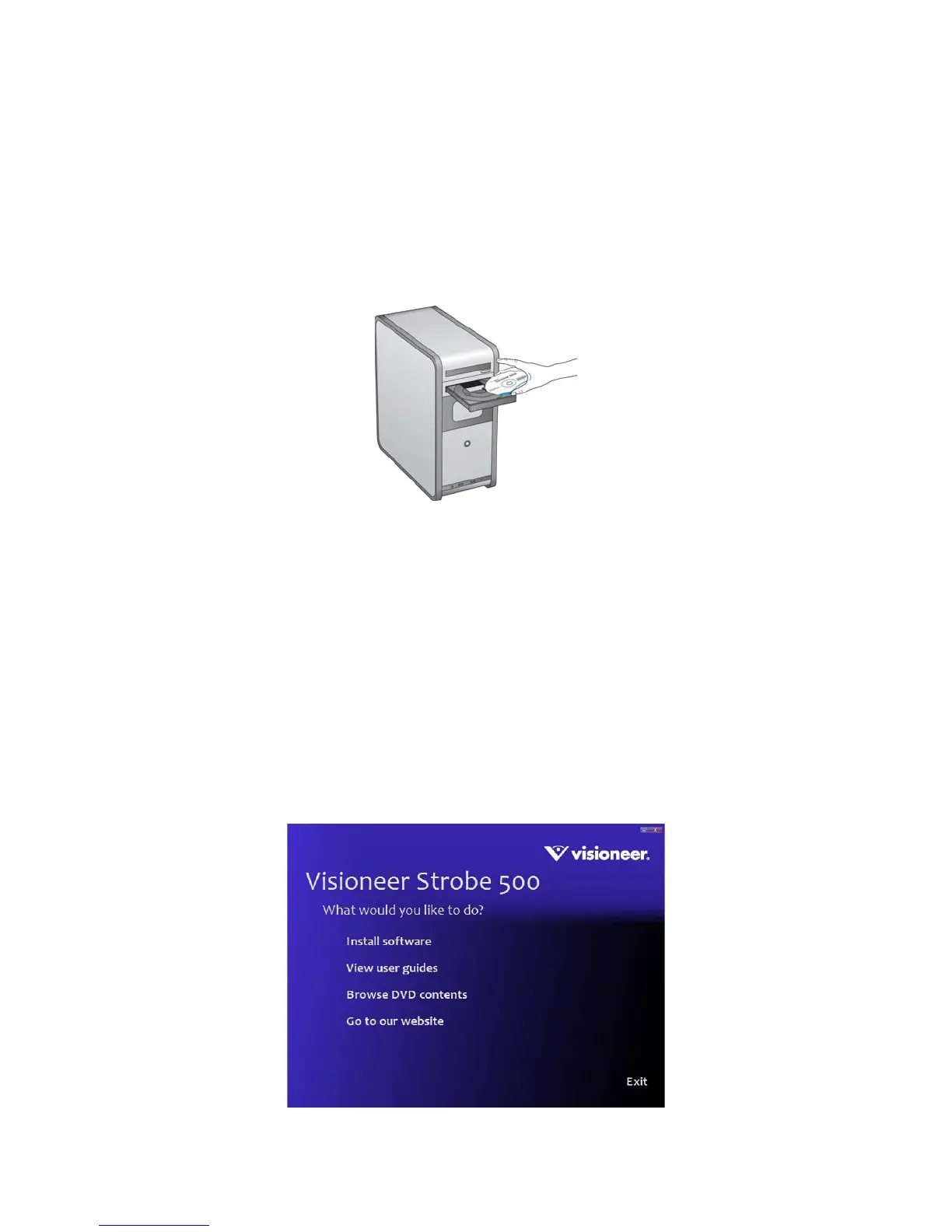
2. Insert the installation disc into your computer’s DVD-ROM drive.
The disc automatically starts.
3. The disc’s Main menu window opens.
4. On the Main menu, select Install software.
N
OTE: If the disc does not start, check the following:
• Make sure the disc drive’s door is completely shut.
• Make sure the disc was inserted in the drive in the proper direction (label side up).
To launch the disc manually:
• Open the Windows options for your computer’s disc drives.
• Double-click the icon for your DVD-ROM drive.
• The Installation menu for the disc should now open.
If the menu does not open:
• From the list of files on the disc, double-click the file named setup.exe.














 To Next Page