SCANNER SETUP
17
CONNECT THE SCANNER POWER CORD
You can power the scanner through the standard power cord to a wall outlet, or use the USB power cord to power
the scanner through a USB port on the computer.
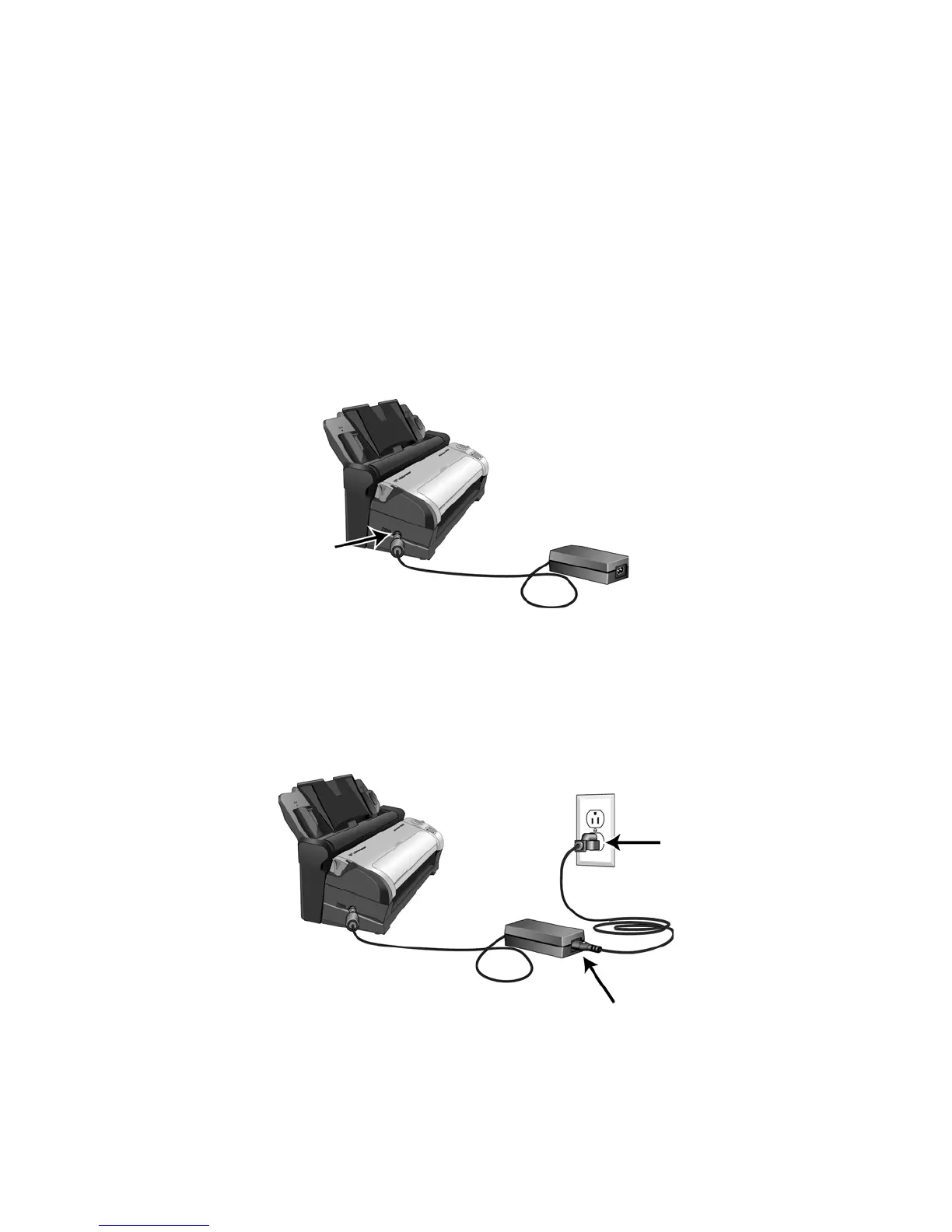
CONNECT THE SCANNER POWER TO THE WALL
1. Plug the power supply into the power port on the scanner.
N
OTE: Only use the power supply (either HEG42-240100-7L made by HiTron or DA-24C24 made by ADP) included
with your scanner. Connecting any other type of power supply may damage your scanner, and will void its
warranty.
2. Plug the power cord into the power supply and into a wall outlet.














 To Next Page