VISIONEER STROBE 500 SCANNER USER’S GUIDE
148
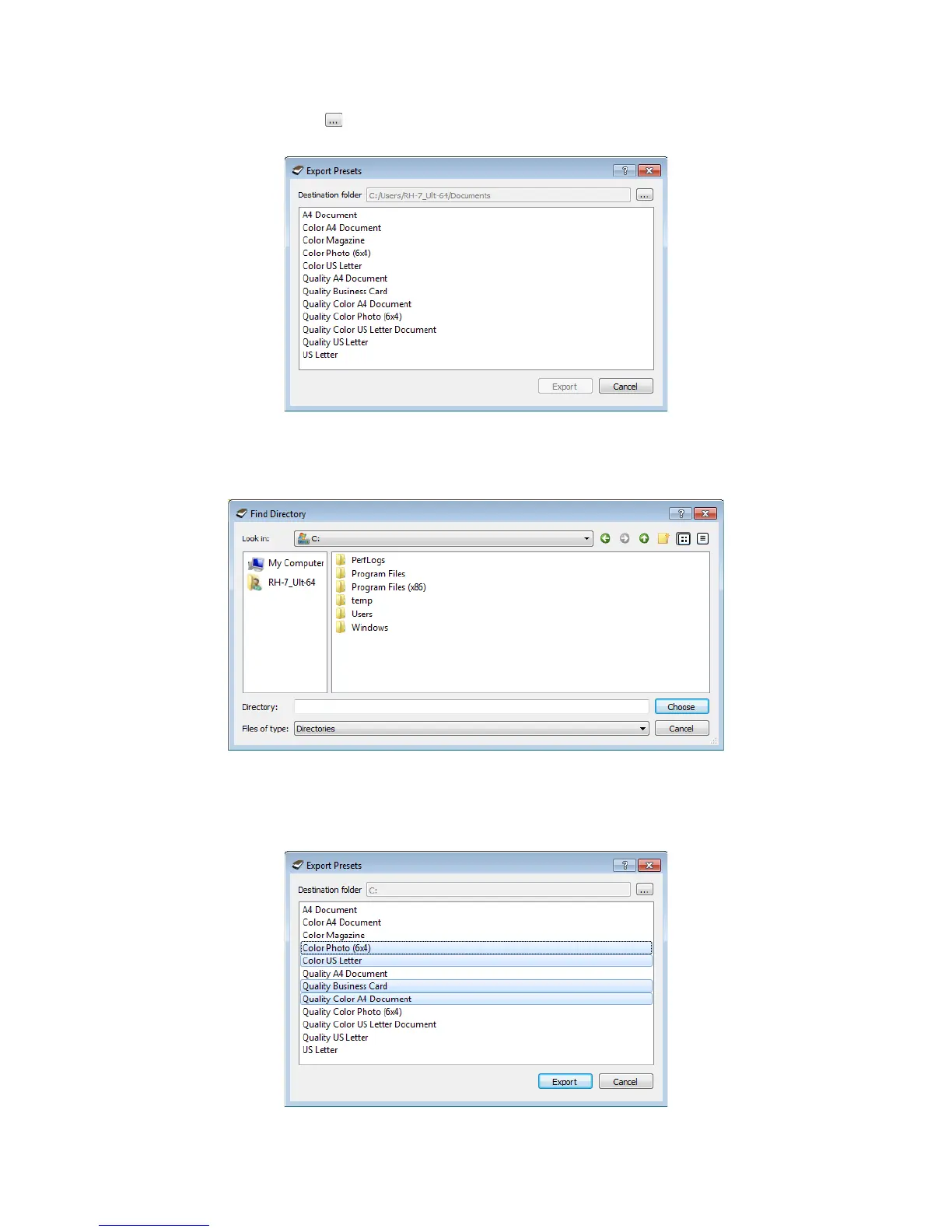
2. Click on the browse button next to the Destination folder field to open a file browsing window.
3. Browse to a location and select the folder where you want the preset file to be saved. Click on Choose.
Make sure to choose a location where you will be able to easily find the file.
4. Select the preset you want to export in the dialogue for exporting a preset. If you want to export multiple
presets, click on each preset name. You may need to hold down the Ctrl (Control) key on your keyboard,
while clicking on each preset name, to select multiple presets.














 To Next Page