VISIONEER STROBE 500 SCANNER USER’S GUIDE
38
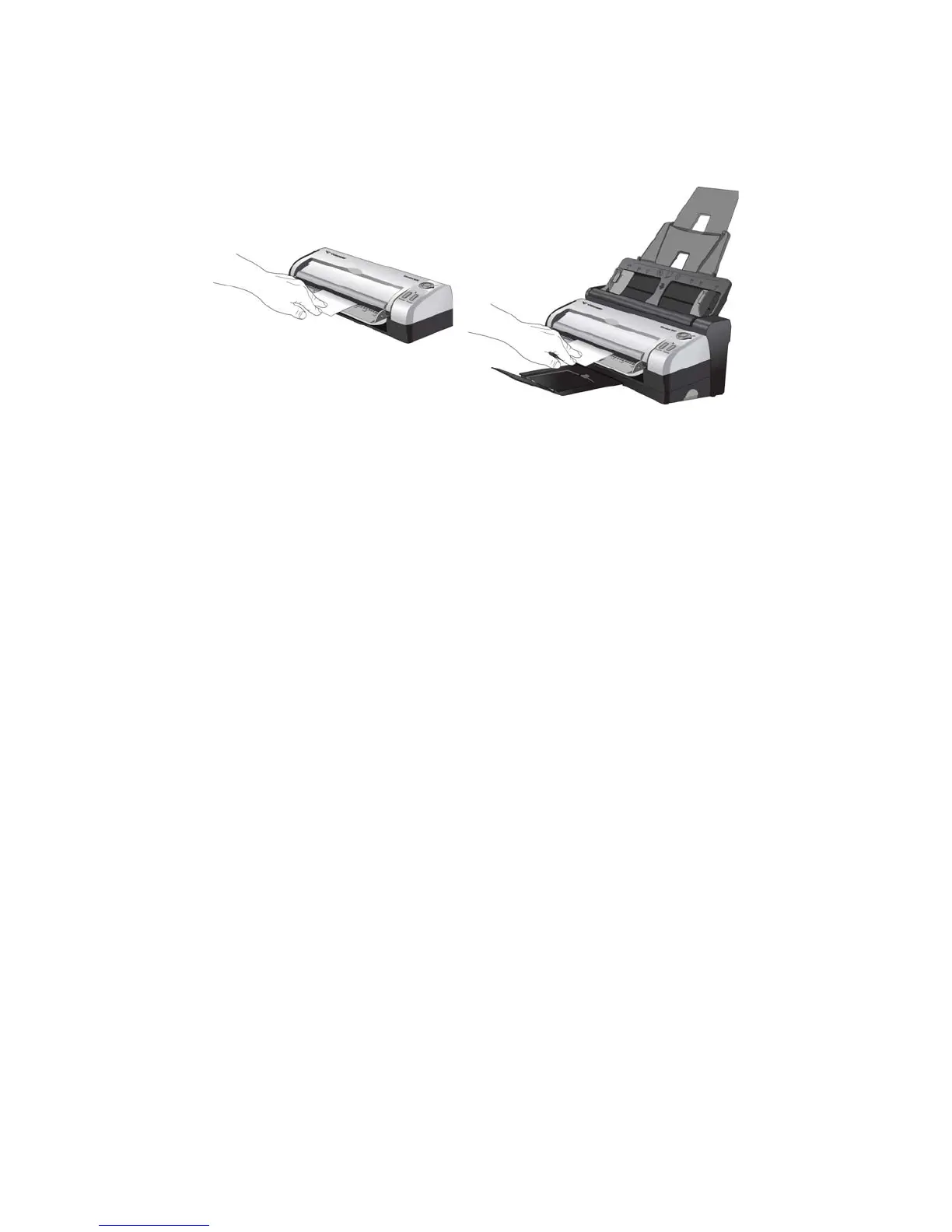
3. Place an item face up, on the front feed tray, aligned to the registration marks on the tray and insert it into
the front of the scanner.
4. The scanner pulls in the item, scans and ejects it out of the front.
5. A scan progress window opens and the image(s) are sent to the selected application in the One Touch
software for the currently selected control dial number.














 To Next Page