VISIONEER STROBE 500 SCANNER USER’S GUIDE
154
• Text document (for OCR) forms, letters, memos, or spreadsheets – 300 dpi
• Business cards or other items with small print – 300 dpi
• Color page with graphics or color photographs – 150 dpi
• Color photographs of poor quality for image enhancement – 300 dpi
• Color photographs for printing – 200 dpi
• Color photographs for email – 100 to 150 dpi
• Magazine page with graphics, line art, or color photographs – 200 dpi
DOCUMENT SIZE
Standard document sizes
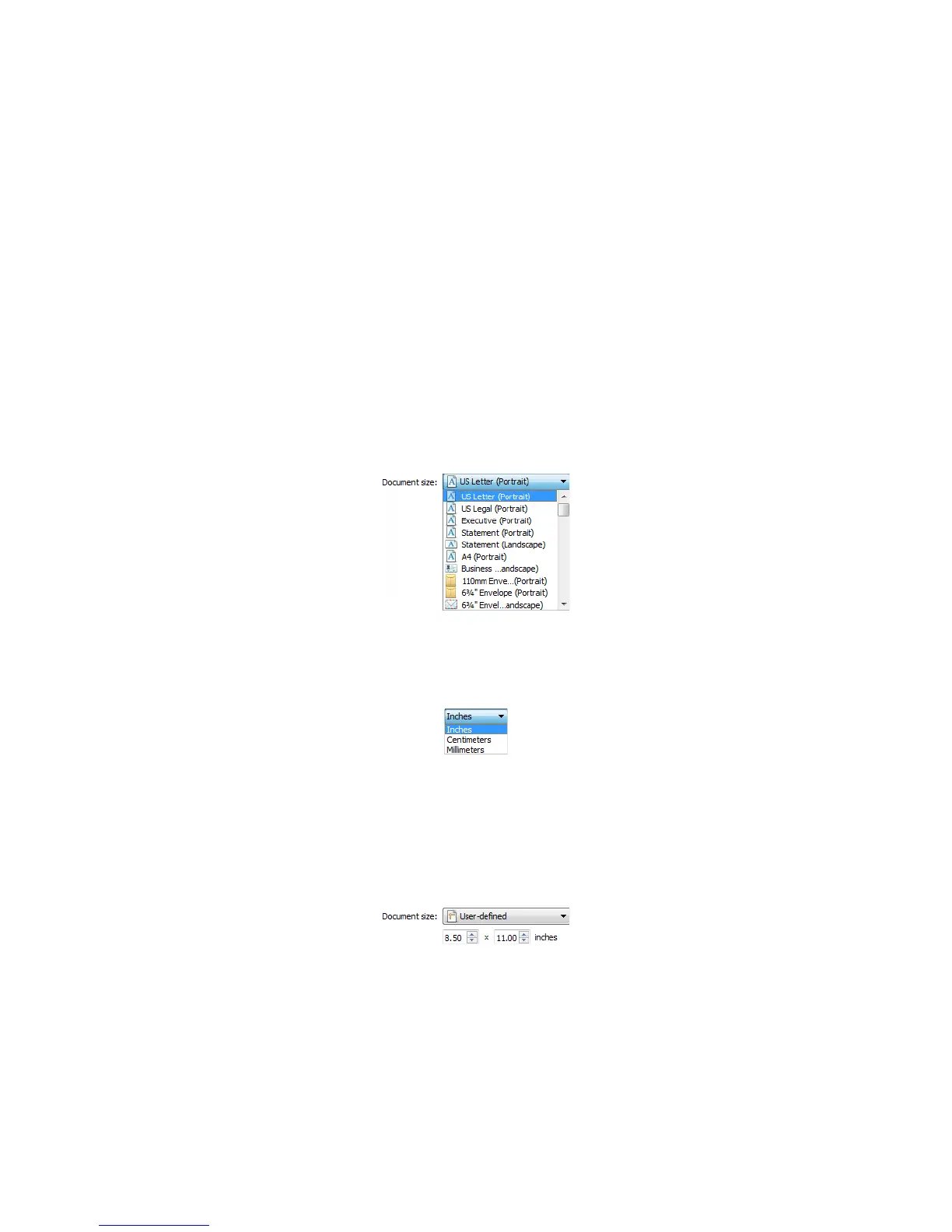
Click the drop down menu and select a pre-defined document size from the list. The available document sizes are
within the scanner's range of minimum and maximum item size.
Custom document sizes
Select the measurement units you want to use from the Units list.
If the Document size list does not include the document size for your scanning batch, click in one of the fields
below the document size list. Input the width of the document in the first field, then input the height in the
second field.
You can input a maximum of 17 inches in the height field. Please refer to Long Document if your scanner supports
page lengths greater than 17 inches and you want to scan long pages.
You can only specify values within the scanner's minimum and maximum supported item size. Please refer to the
maintenance section of the scanner user's guide for this information.














 To Next Page