VISIONEER STROBE 500 SCANNER USER’S GUIDE
166
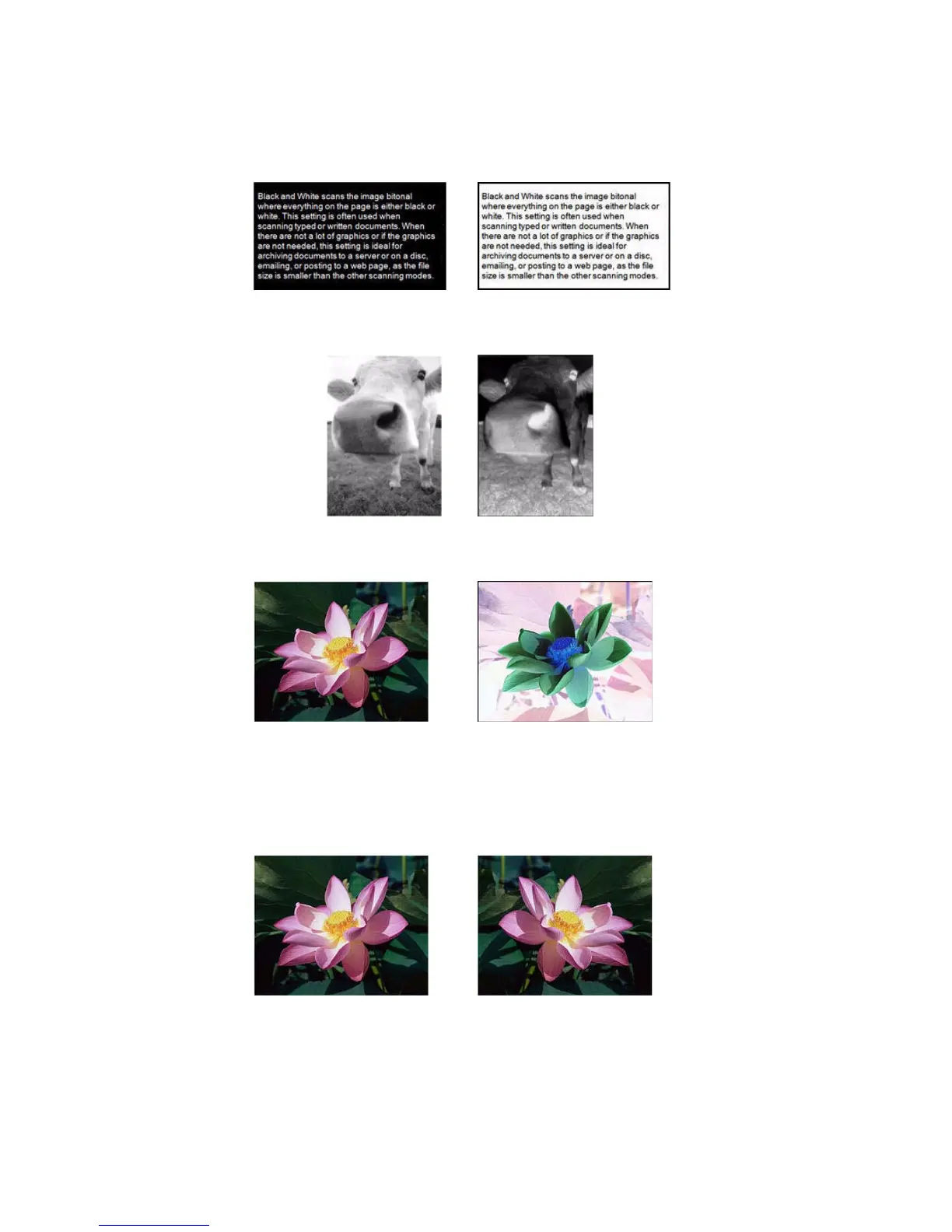
For example, you might choose this option if you are scanning pages that have been printed from newspaper
microfilm. Newspaper microfilm reverses black and white so that when viewed on a monitor, the text is white and
the paper is black.
The following example shows the original grayscale image and the inverted image.
The following example shows the original color image and the inverted image.
MIRROR IMAGE
The Mirror image option flips the image left-to-right.














 To Next Page