MAINTENANCE
187
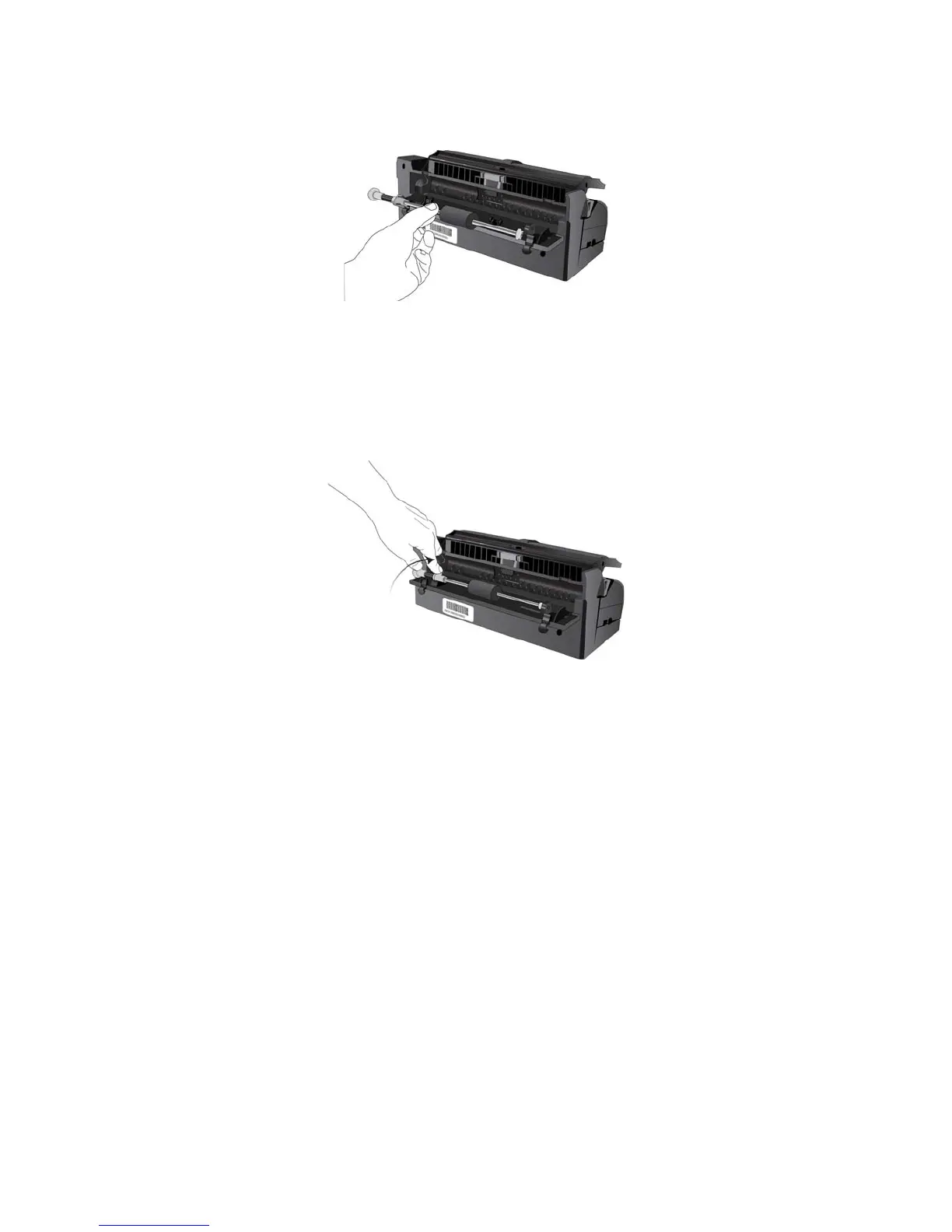
7. Insert the right end of the roller into its housing socket in the scanner.
8. Align the lock tab, on the orange lock flange, with the slot in the scanner.
9. Rotate the lock tab into the slot on the scanner.
10. Press down on the lever to lock the roller in place.
The lock will “click” into place when it is secure. However, if it does not rotate easily into the housing, make
sure the flange is properly seating in its latch.
11. Close the rear cover when you’re finished.














 To Next Page