D-302756 17
………..
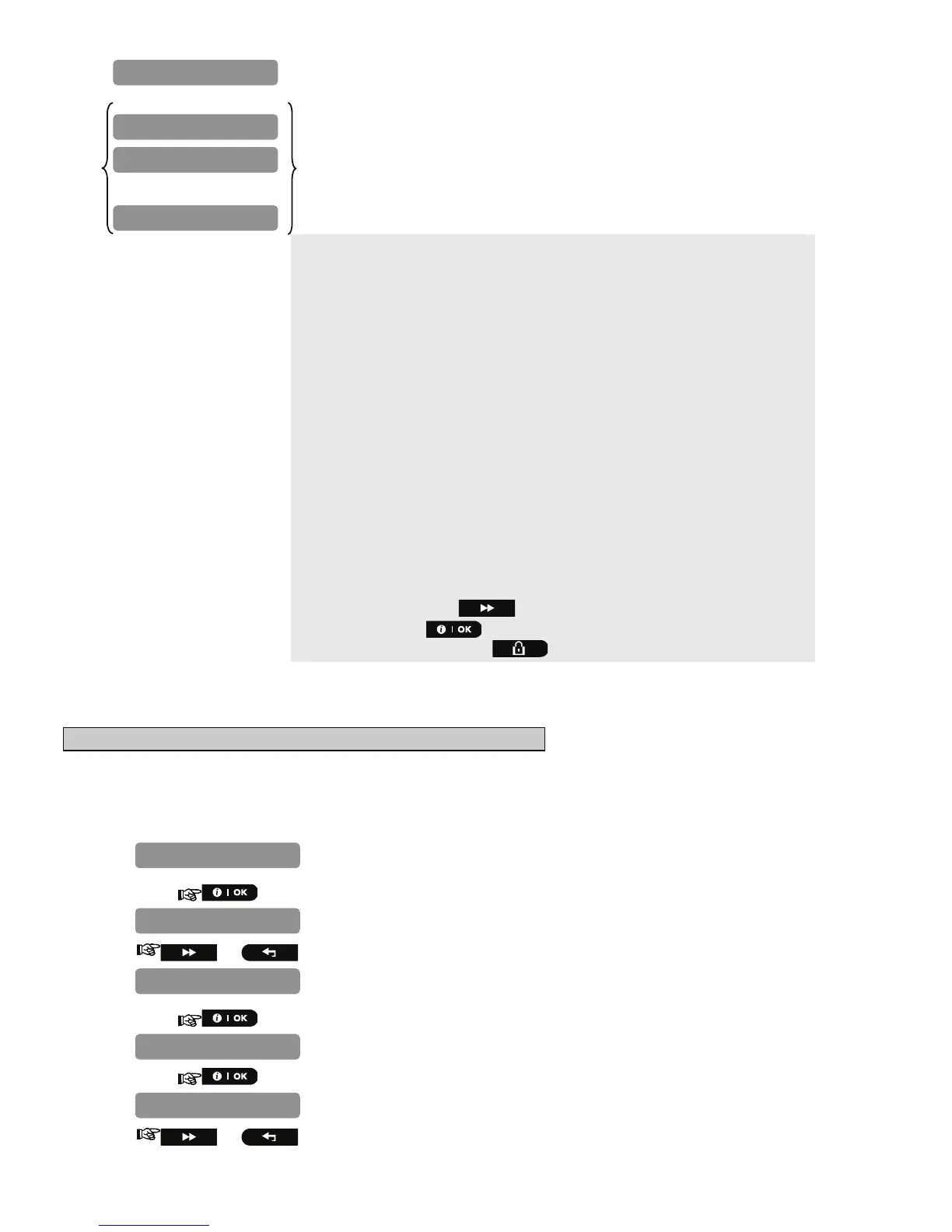
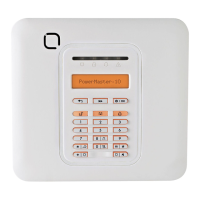
The PowerMaster-10 display reads "
DEVICE ENROLLED
" (or "
ID
accepted
" if the device was enrolled manually by entering the ID number)
and the PowerMaster-10 display will then change to "
K01:Keyfob /
Z01:Motion Sens / S01:Siren
depending on the type of enrolled
device".
However, if the device was previously enrolled in the system, the
PowerMaster-10 display reads "
ALREADY ENROLLED
".
Repeat the above procedure for each device to be enrolled in the
PowerMaster-10 system.
Continue to section 4.4.2.1 Assigning a Location, Zone Type and Chime
Option.
When exiting "
ZONES / DEVICES
" menu the PowerMaster-10 system
displays the number of devices that need to be updated, as follows: DEV
UPDATING NNN.
* If you enter the 7-digit number, you must physically install the device
to complete the procedure. If the device is not installed, the system will
display the device as "
NOT NET
" (device is pre-enrolled – not
networked).
You can now press the button to enroll the next device of the same
type or press the button to move to the "
LOCATION
" menu (see
section 4.4.2.1) or press the button to take you to "
<OK> TO EXIT
".
4.5.2.1 Assigning a Location, Zone type and Chime Option
B. To Assign a Location, Zone Type and Chime Option
The PowerMaster-10 system behavior is defined according to one of 11 zone types assigned to each of the
system's 30 (wireless & wired) zones.
Note: This step is applicable to detectors only.
Continue below from the previous section.
1.
2.
or
3.
4.
5.
or
Select a zone type, or, enter the zone type number, for example, pressing
03 selects "3. Home Delay".
12.Non-Alarm
Master Bdrm
Z01:ZONE TYPE
Front door
Z01:LOCATION
S01:Siren
Z01:Motion Sens
K01:Keyfob
DEVICE ENROLLED



 To Next Page