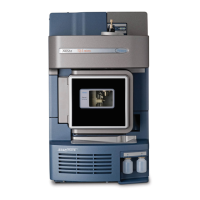
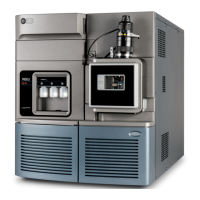
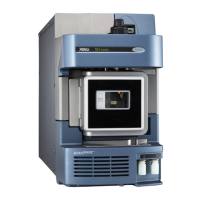
1-6 Waters TQ Detector
• Processing data.
•Reviewing data.
• Printing data.
See Empower and MassLynx 4.1 user documentation and online Help for more
information on installing and using Empower or MassLynx software.
ACQUITY UPLC Console
The ACQUITY UPLC Console is a software application with which you
configure settings, monitor performance, run diagnostic tests, and maintain
the system and its modules. The ACQUITY UPLC Console functions
independently of Empower and MassLynx software and does not recognize or
control the data systems.
See the ACQUITY UPLC System console online Help for details.



 To Next Page