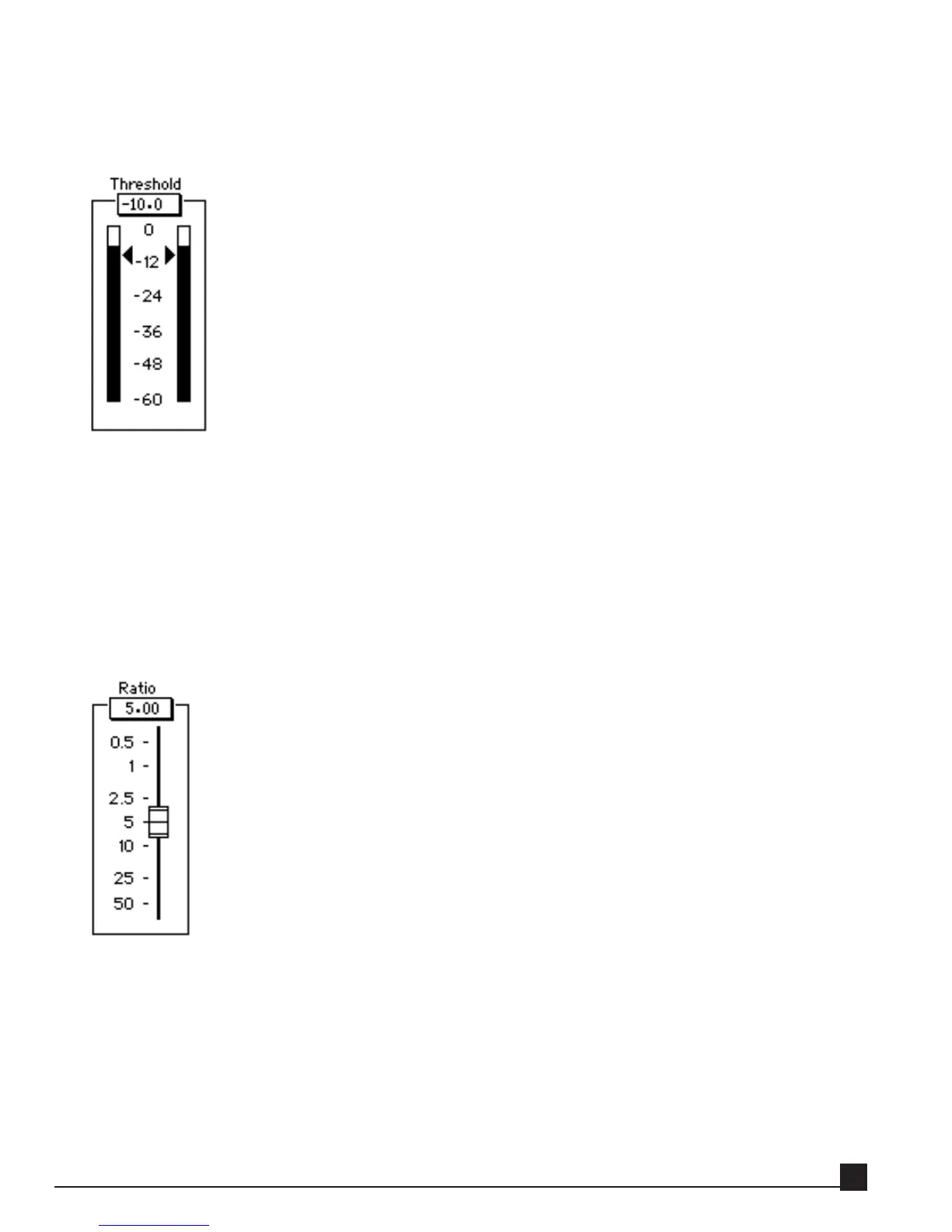
Threshold
The Threshold value is displayed in dBFS (dB below Full Scale digital). 0 dBFS is the highest level supported
by the digital format.
The Threshold sets the level above which the soft-knee compression or expansion engages. The threshold
slider is beside the Input Meters.
N
N
ot
ot
e!
e! The Renaissance Compressor uses a soft-knee curve, so compression and expansion begin with sig-
nals 3 dB lower than the Threshold.
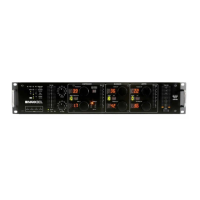
Ratio
The Ratio control adjusts the compression or expansion ratio for signals above the Threshold level. A wide
range of compression and expansion ratios is available: compression = 1.01:1 to 50.0:1; expansion = 0.99:1
to 0.50:1. The Ratio fader is beside the Gain meter.
Y56K User Guide
43


 To Next Page