Chapter 7: Updating the Y56K
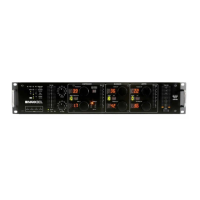
The Y56K has an RS232 connector installed on its panel for software updates and upgrades from a PC.
Click the Update Mode button in the Special page to enter Update Mode.
W
W
ar
ar
ning!
ning! DO NOT click this button unless you are updating your Y56K with a valid package. If you have
clicked this button by mistake, click Cancel in the following Confirmation dialog box.
Specific instructions on how to update your Y56K will be included in your software updater. The updater
software will run under Windows 98, Me, NT, or 2000 operating systems.
Y56K User Guide
65


 To Previous Page