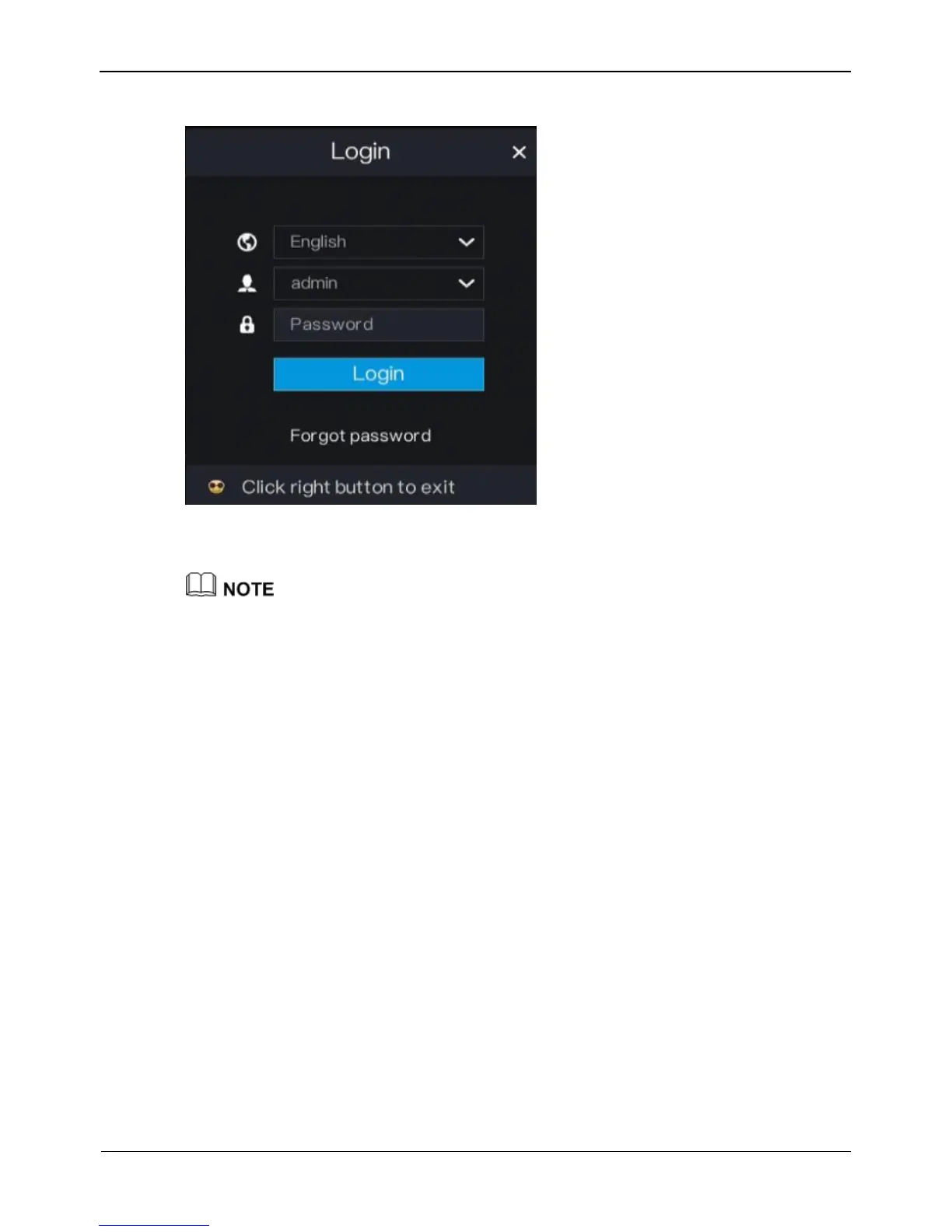
Figure 3-6 Login page
Step 2 Enter the username and password.
The username and password are both admin.
If you forget password, click Forgot password. You can choose a way to find previous
password:
1. Scan the QR code and send the QR code to your seller.
2. Click Send Password to you E-mail. A password retrieval email will be sent to your
email address (for details, see 6.2.4 Step 6). Then, you can retrieve password by
following operations described in the email.
Step 3 Click Login to access the main User Interface (UI).
----End
3.6 Changing the Password
Description
The change default password page will be displayed as shown in Figure 3-7, when you
login the system for the first time.



 To Next Page