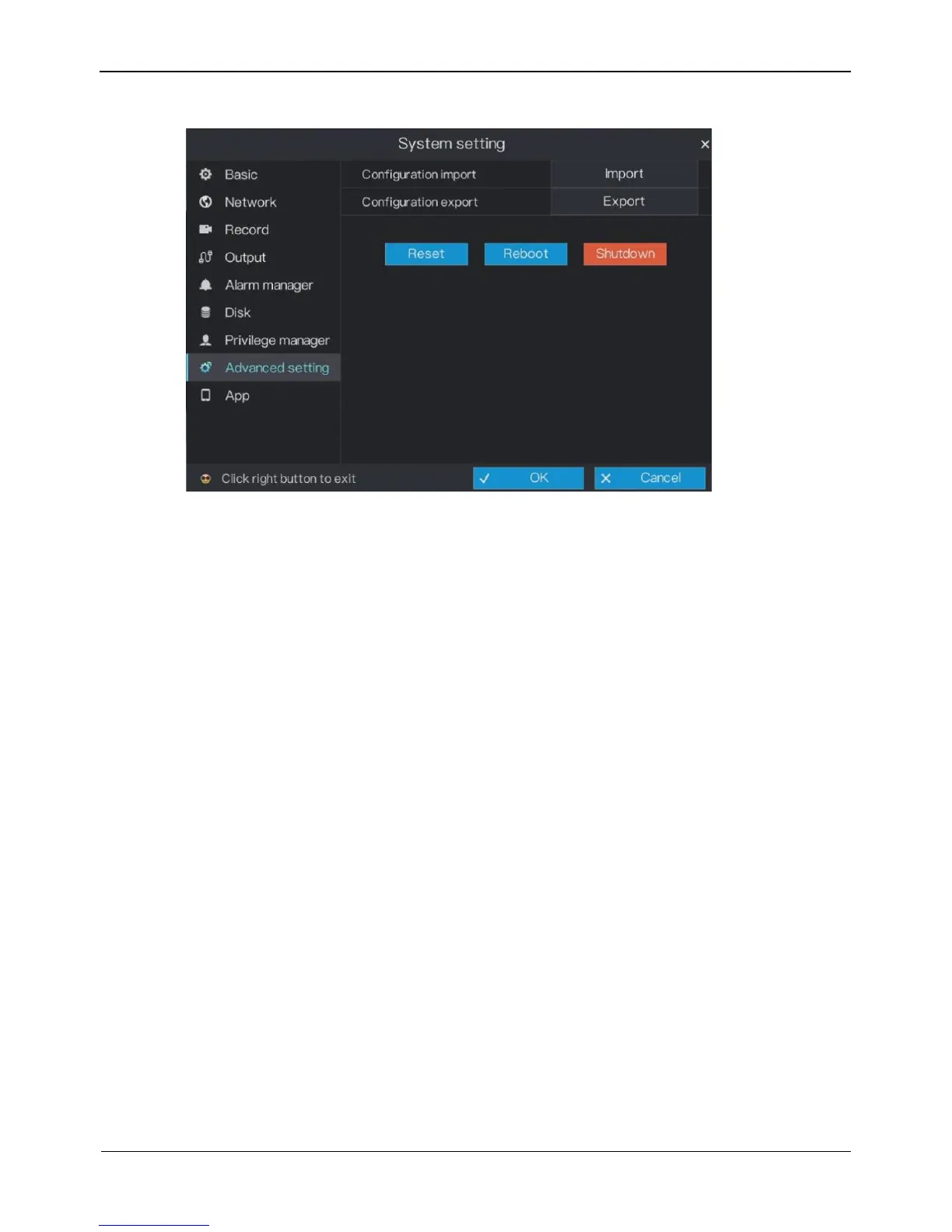
Figure 6-26 Advanced setting screen
Step 2 Click Import to import the configuration.
Step 3 Click Export to export the configuration.
Step 4 Click Reset, Reboot, Shutdown to reset the DVR, reboot the DVR or Shutdown the
DVR if you need.
Step 5 Click OK to save enable password settings or click Cancel to cancel settings.
----End
6.10 App
You can use application software that supports QR code scanning to scan the QR code
in App to download the application for mobile phones. Then, you can perform
operations on the DVR by using the App.
Operation Description
On the System setting screen, choose App to access the mobile phone App screen, as
shown in Figure 6-27.



 To Next Page