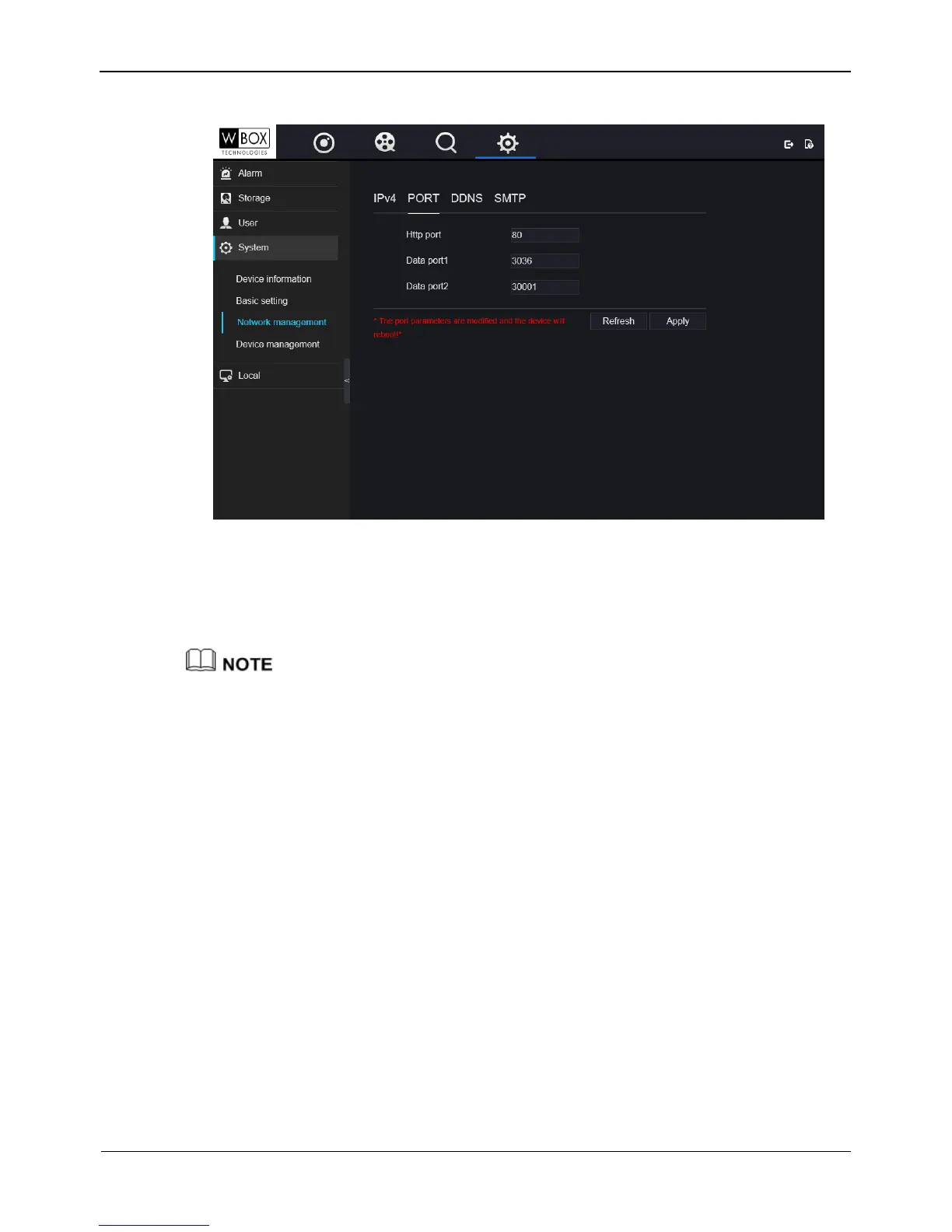
Figure 9-11 Port setting interface
Step 2 Set HTTP port, Data port1 and Data port2 respectively.
Step 3 Click Apply to save settings.
Data Port1 used as RTSP port
Data Port2 used as video control port
After Ports is set and saved ,please click OK and Reboot. the port is set successfully.
----End
9.5.2.3 DDNS
Operation Steps
Step 1 Click DDNS label to enter the DDNS setting interface, as shown in Figure 9-12



 To Next Page