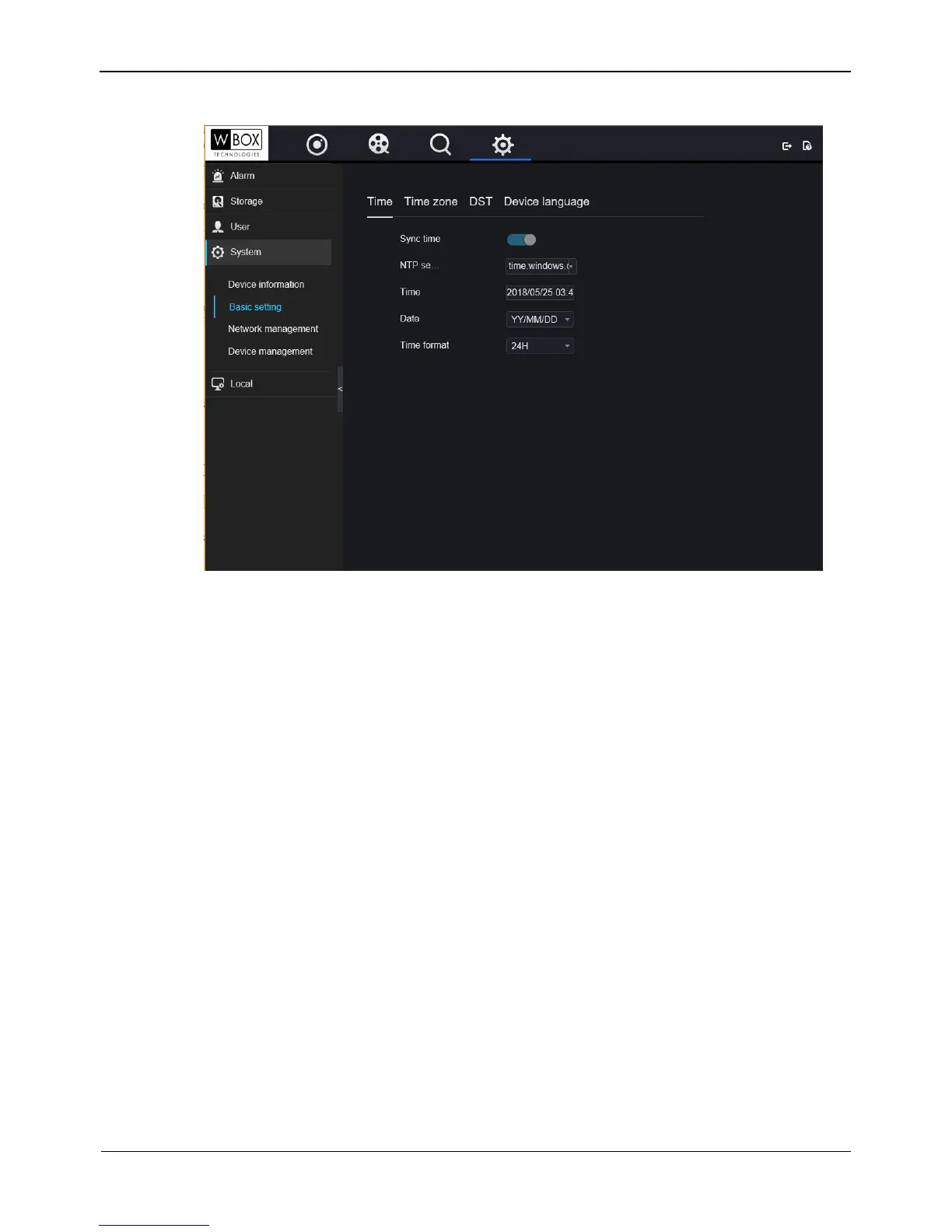
Figure 9-9 Basic interface
Step 2 Click Time, Time zone, DST, Device language to view these basic information..
----End
9.5.2 Network management
You can set IPv4, port, DDNS, SMTP in network management interface.
9.5.2.1 IPv4
IPv4 is the IP protocol that uses an address length of 32 bits.
Operation Steps
Step 1 On the System Setting screen, choose System >Network management to access the
IPv4 interface, as shown in Figure 9-10.



 To Next Page