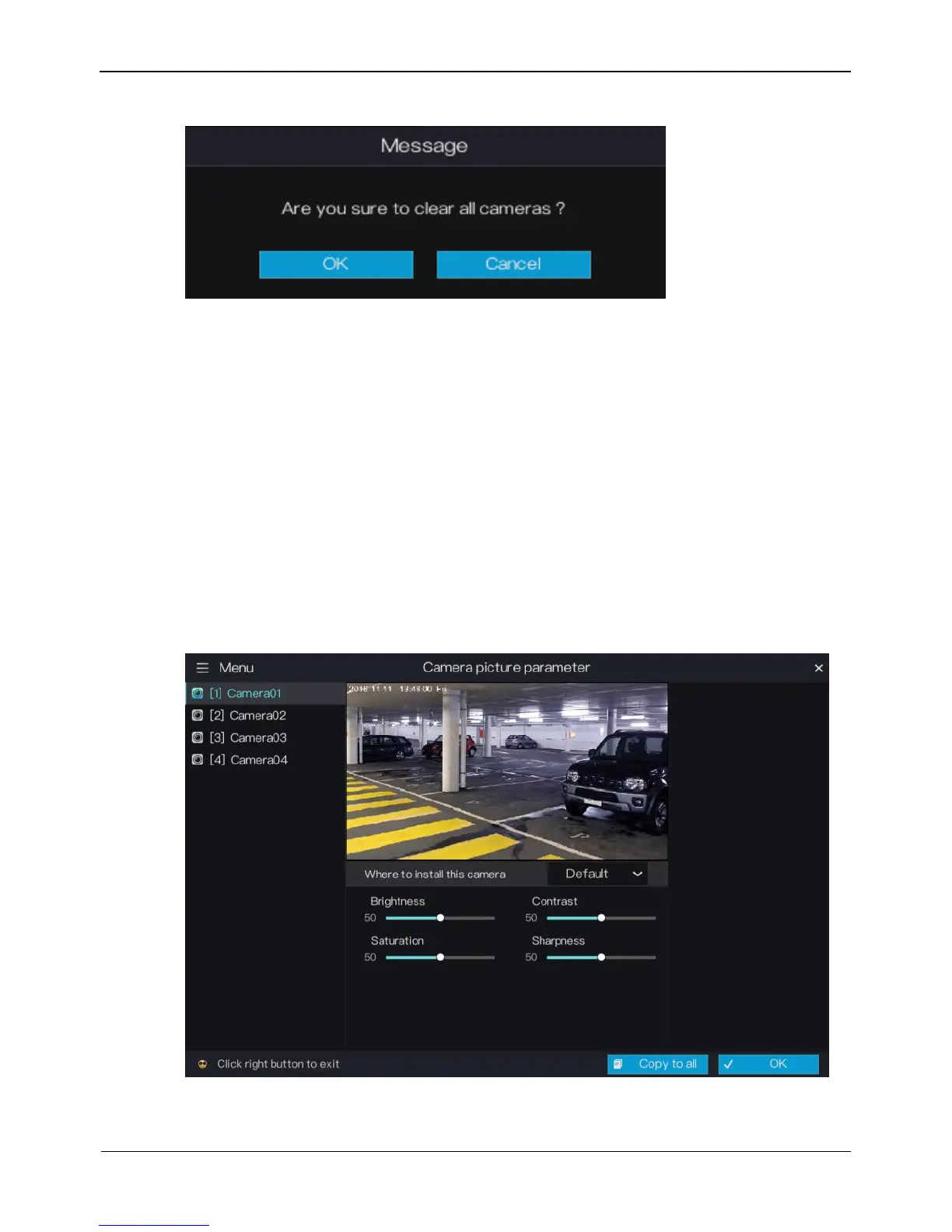
Figure 5-2 Unlock confirmation message
5.2 Picture Parameter
Picture parameters refer to basic attributes of a picture, including the lightness,
saturation, contrast, and sharpness. You can set picture parameters for each channel
based on scenarios.
Operation Description
Click Picture Param next to Camera in the main menu or click Menu in the upper
left corner of the camera management screen and choose Picture Param to access the
Picture Parameter screen, as shown in Figure 5-3.
Figure 5-3 Picture Parameter screen
The picture parameters are described as follows:



 To Next Page