9.8.2 Modify password
Operation Steps
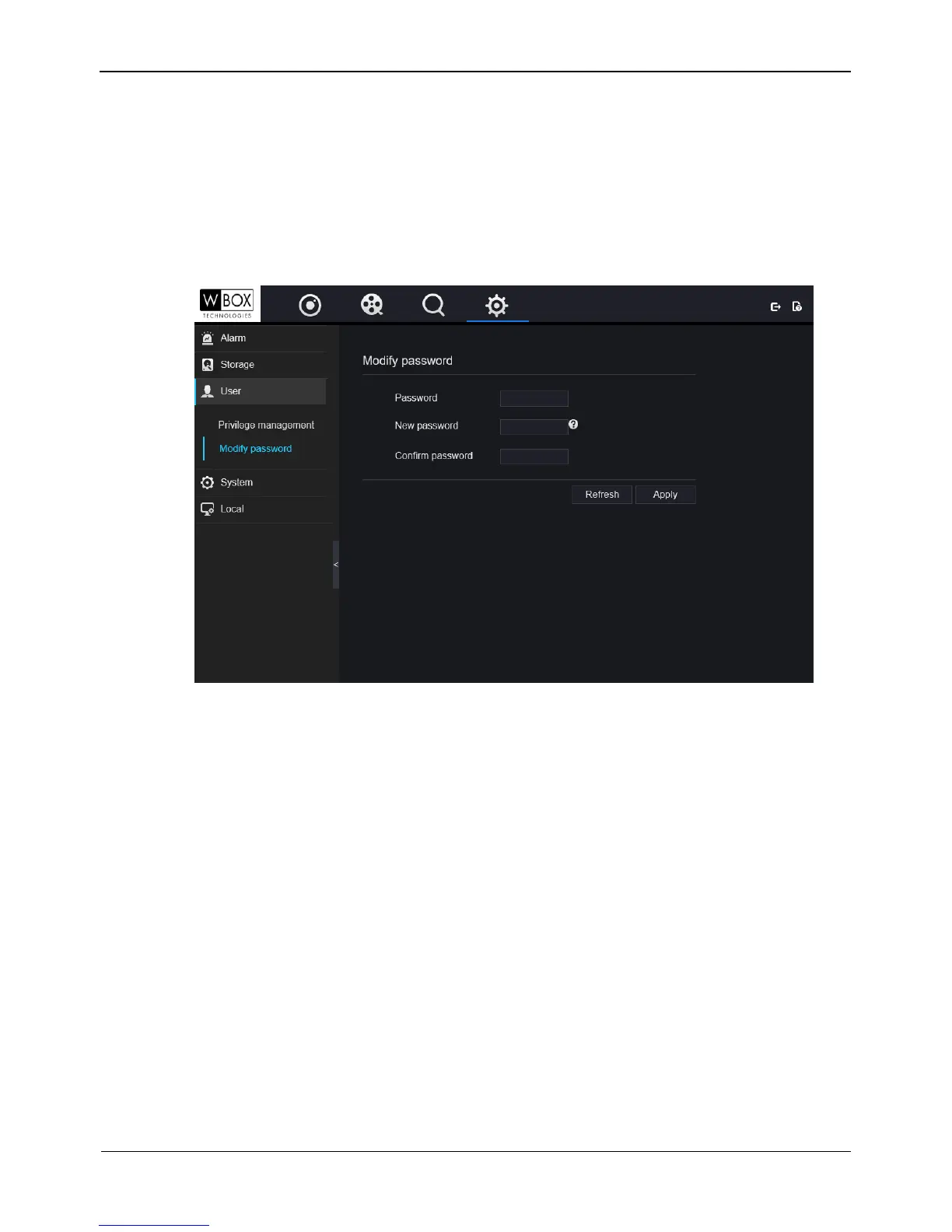
Step 1 On the System Setting screen, choose User > Modify password to access the Modify
password interface, as shown in Figure 9-20.
Figure 9-20 Modify password interface
Step 2 Enter the old password, and set the new password and confirm password.
Step 3 Click Apply, the password is modified successfully, the system return to the login
interface.
----End
9.8.3 Local
You can set the image download path for snapshot and the record download path for
record files in the download configuration interface.
Operation Steps
Step 1 On the System Setting screen, choose Local > Download Config to access the
Download configuration interface, as shown in Figure 9-21.



 To Next Page