6.7 Privilege manager
6.7.1 User manager
Operation Steps
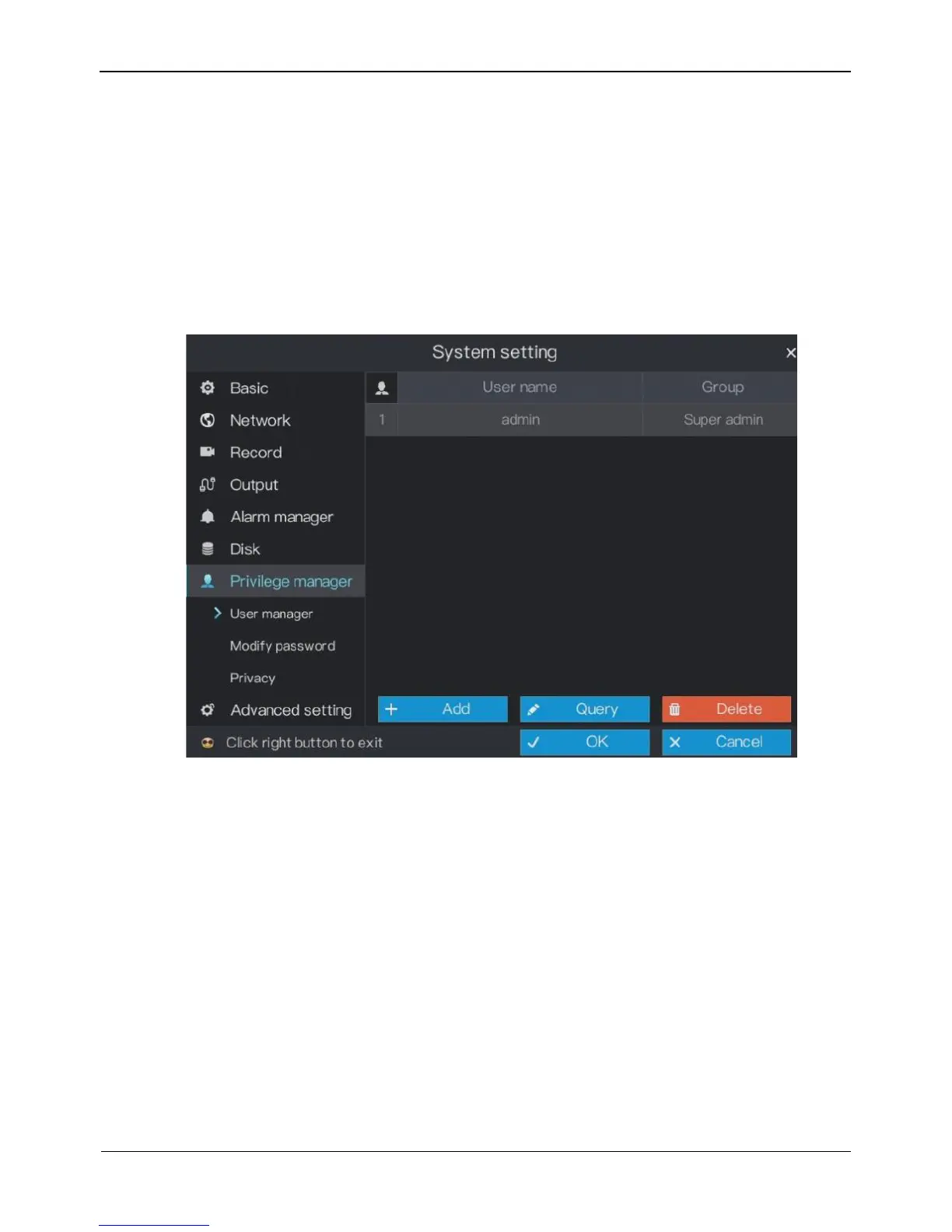
Step 1 On the System setting screen, choose Privilege manager > User manager to access
the user management screen, as shown in Figure 6-22.
Figure 6-22 User manager screen
Step 2 Add or delete a user.
Adding a user
1. Click Add.
The Add User dialog box appears, as shown in Figure 6-23.



 To Next Page