5 Camera Management
Camera management mainly involves analog cameras and network cameras. Analog
cameras can be directly connected to input channels of the DVR. When analog cameras
are insufficient, the DVR automatically searches for and adds network cameras in the
same Local Area Network (LAN).
Camera management includes camera add or delete, picture parameter, encode
parameter, video loss, motion detection, privacy area, camera tamper, and setup OSD.
Operation Description
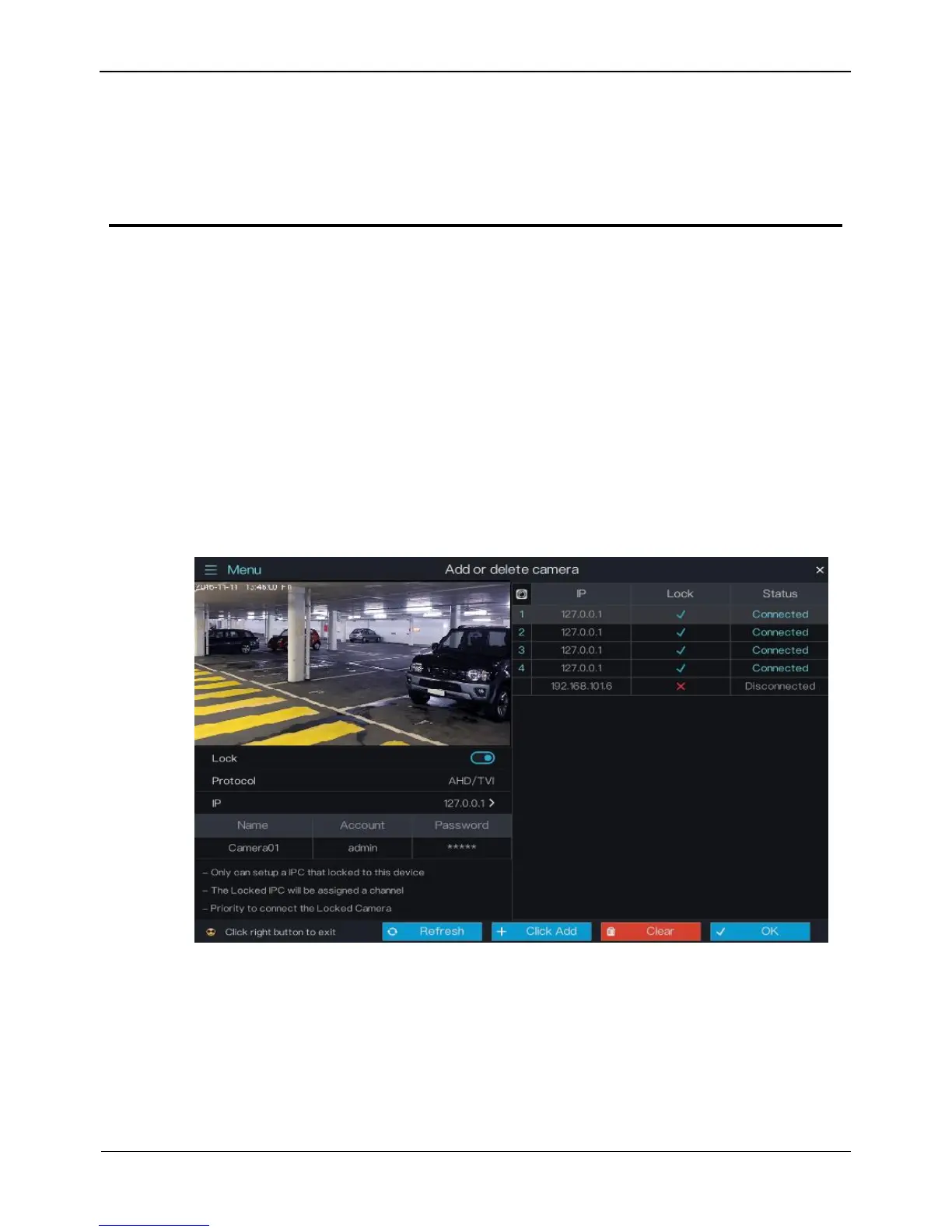
Click Camera in the main menu to access the camera management screen, as shown in
Figure 5-1.
Figure 5-1 Camera management screen



 To Next Page