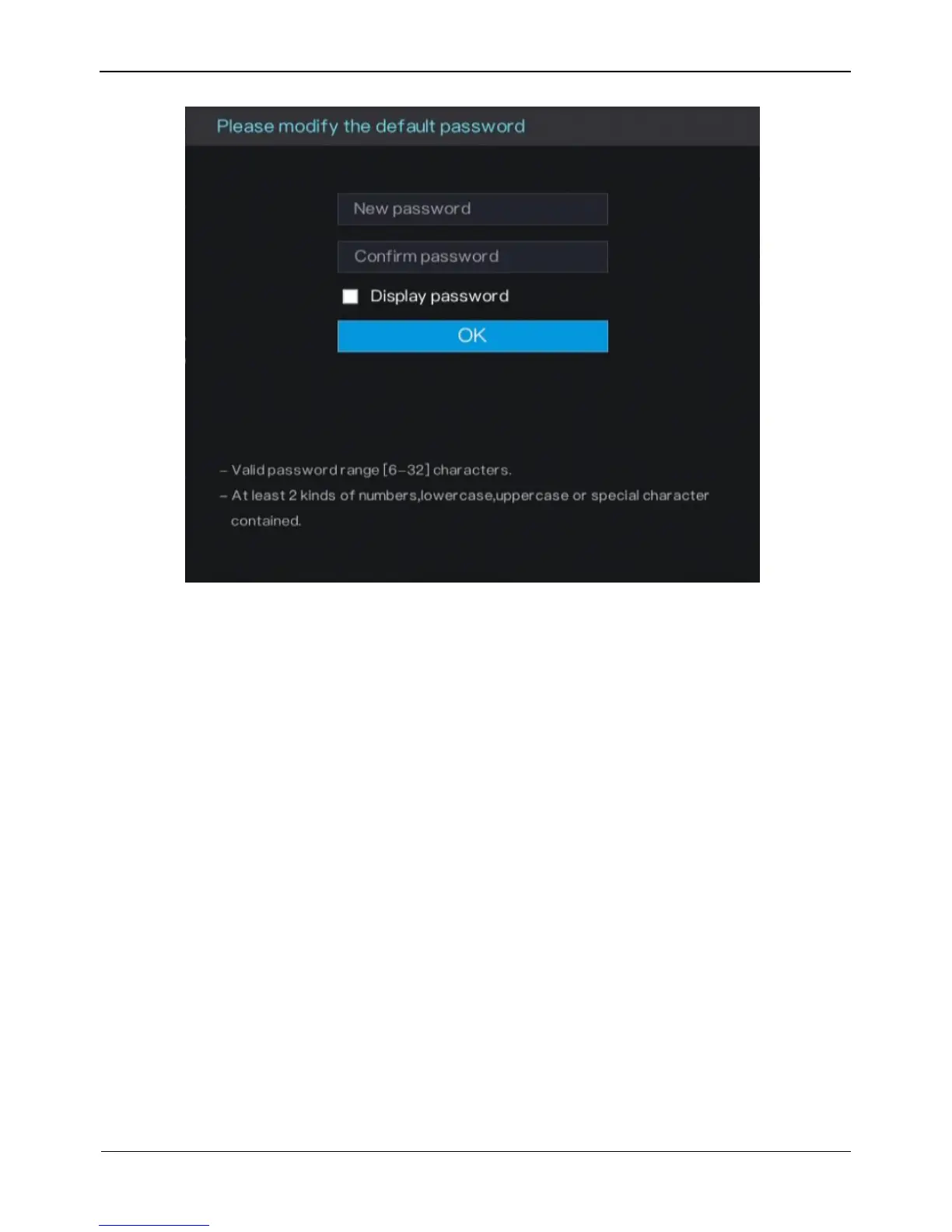
Figure 3-7 Change the default password page
Operation Steps
Step 1 Enter the new password, and confirmation password.
Step 2 Click OK.
The real-time video screen is displayed
3.7 Adding Cameras
This DVR can be connected to both analog cameras and network cameras. The DVR
gives preference to the access of the analog camera by default.
The DVR can be directly connected to analog cameras through bayonet nut connector
(BNC) cables.
Figure 3-8 shows the topology of the DVR.



 To Next Page