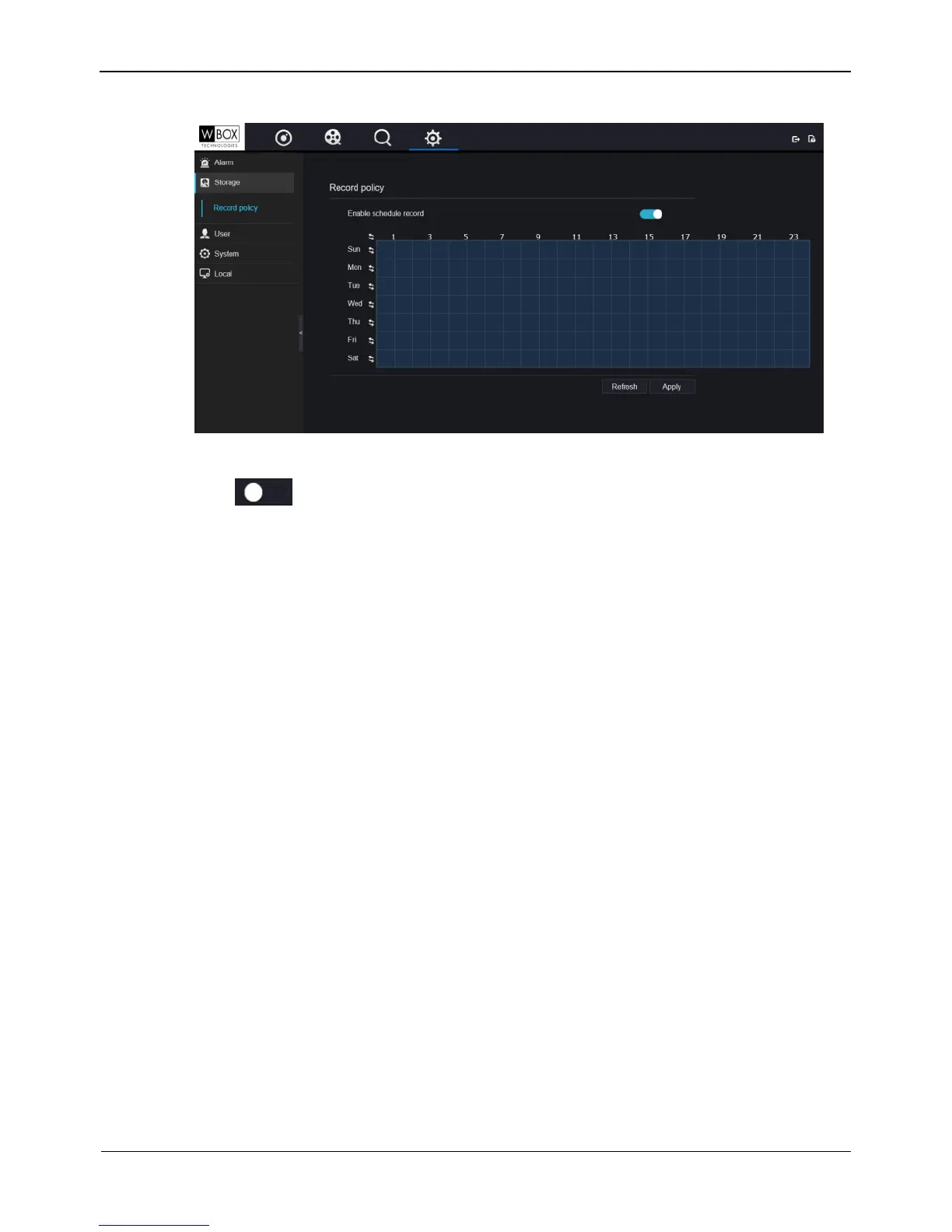
Figure 9-17 Record policy interface
Step 2 Click to enable schedule record. It is enabled by default.
Step 3 Set the record policy.
Please refer to 9.6 Step 7 Set time plan.
Step 4 Click Apply to save the setting.
----End
9.8 User
You can add, modify, and delete a user and privilege in user manager interface.
9.8.1 Privilege management
Operation Steps
Step 1 On the System Setting screen, choose User > Privilege management to access the
Privilege management interface, as shown in Figure 9-18



 To Next Page