: Full screen off. After this button is clicked, the device returns to the real-time
video screen.
: Indicates whether to insert a USB flash drive. indicates that a USB flash
drive is inserted into the DVR. indicates that no USB flash drive is inserted into
the DVR.
4.3 Search
Search refers to searching for a video by date and time.
Operation Description
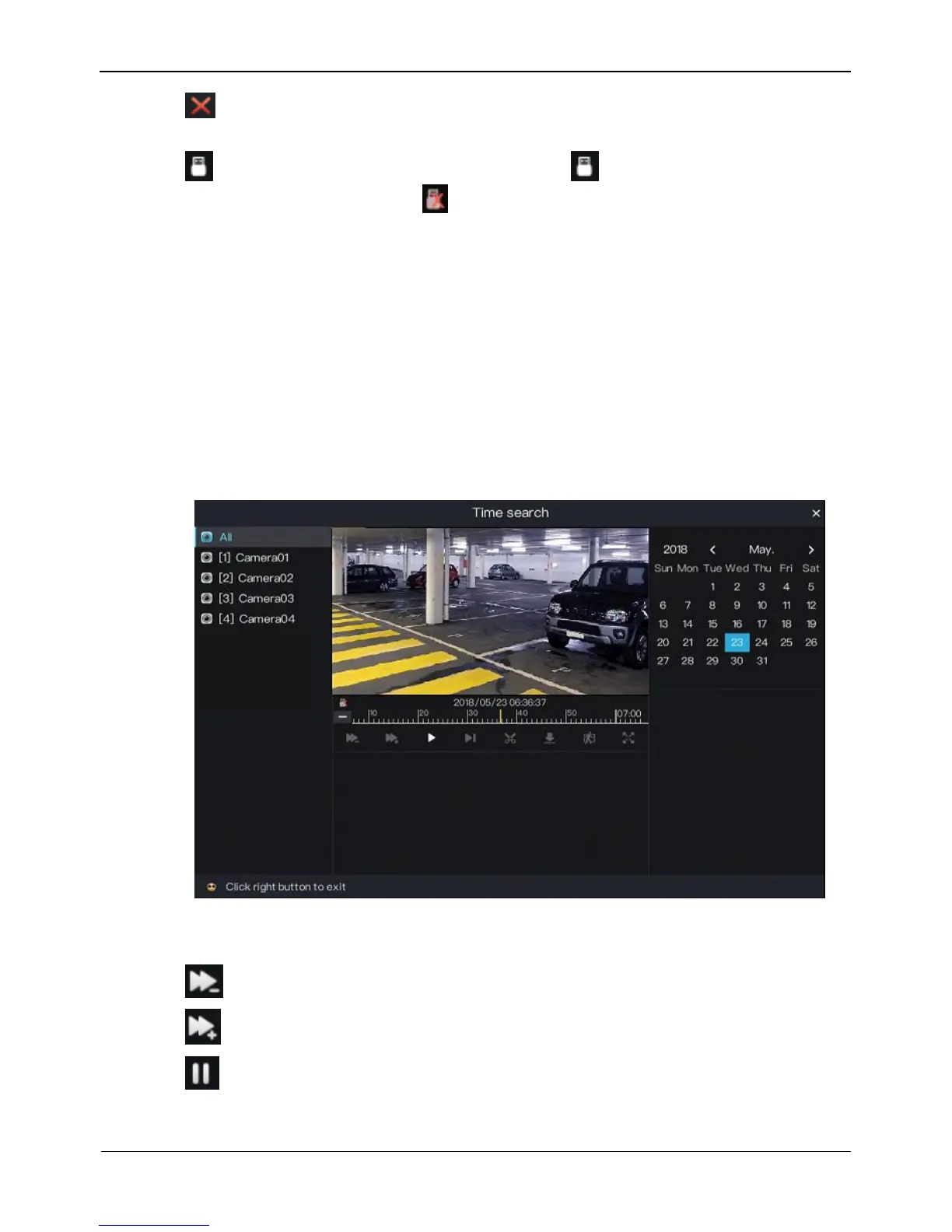
Click Search in the quick navigation bar to access the search screen, as shown in
Figure 4-10.
Figure 4-10 Search screen
The toolbar at the bottom of the play window is described as follows:
: Slow play
: Fast forward
: Pause



 To Next Page