Digital Video Recorder(DVR)
User Manual
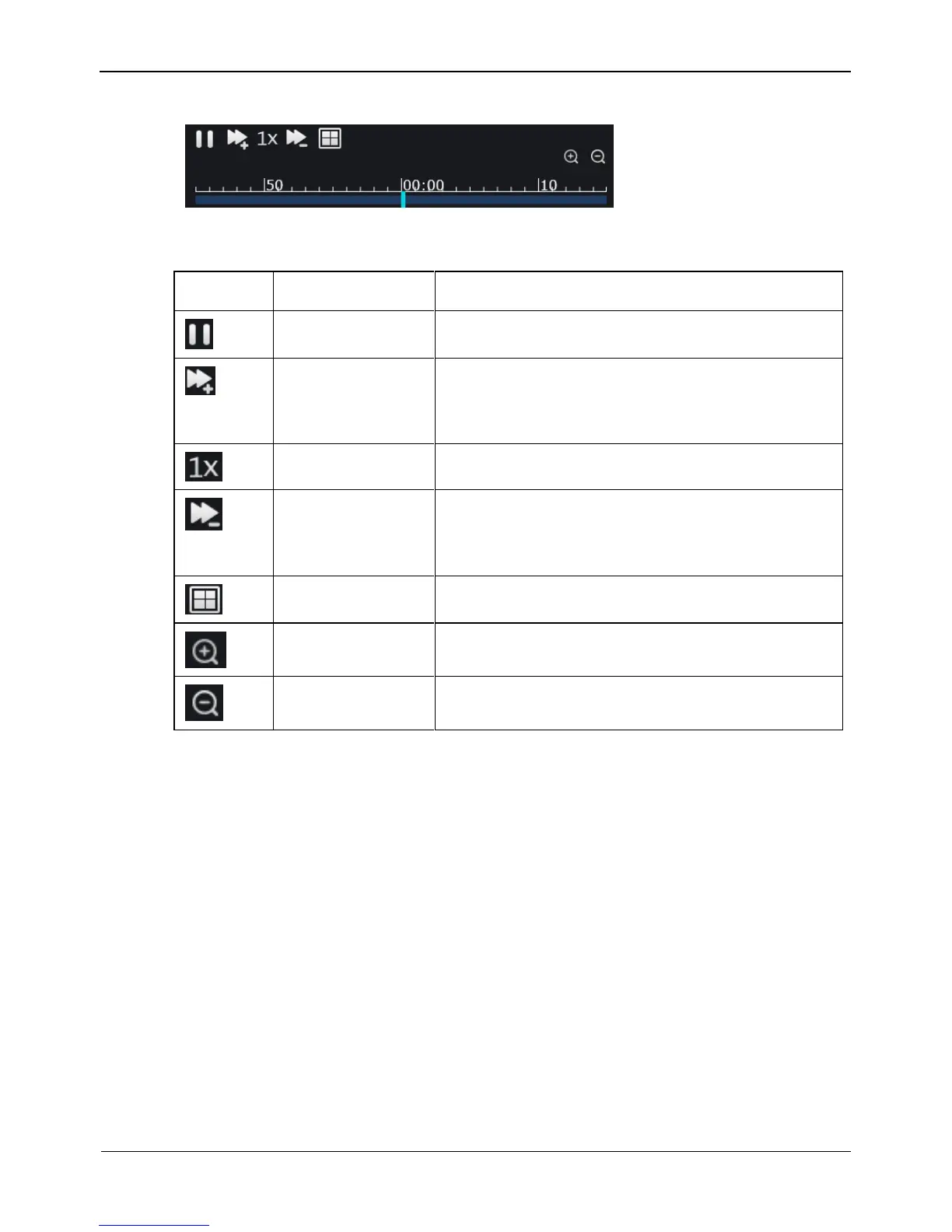
Figure 9-4 Control bar
Table 9-1 Playback button
Click button to pause to play the video.
Double increasing speed play when you click the
button.
A maximum of 32X can be configured.
Click button to quick return to normal speed.
Double decreasing speed play when you click the
button.
A minimum of 1/4X can be configured.
Click button to switch the 1 screen and 4 screens.
Click button to play video in a bigger time scale.
Click button to play video in a smaller time scale..
----End
9.4 Alarm Search
You can retrieval the channel alarm and system alarm in the retrieval interface.
Operation Steps
Step 1 Click Alarm Search in the navigation bar at the top of the web interface.
The Alarm Search interface appears, as shown in Figure 9-5.



 To Next Page