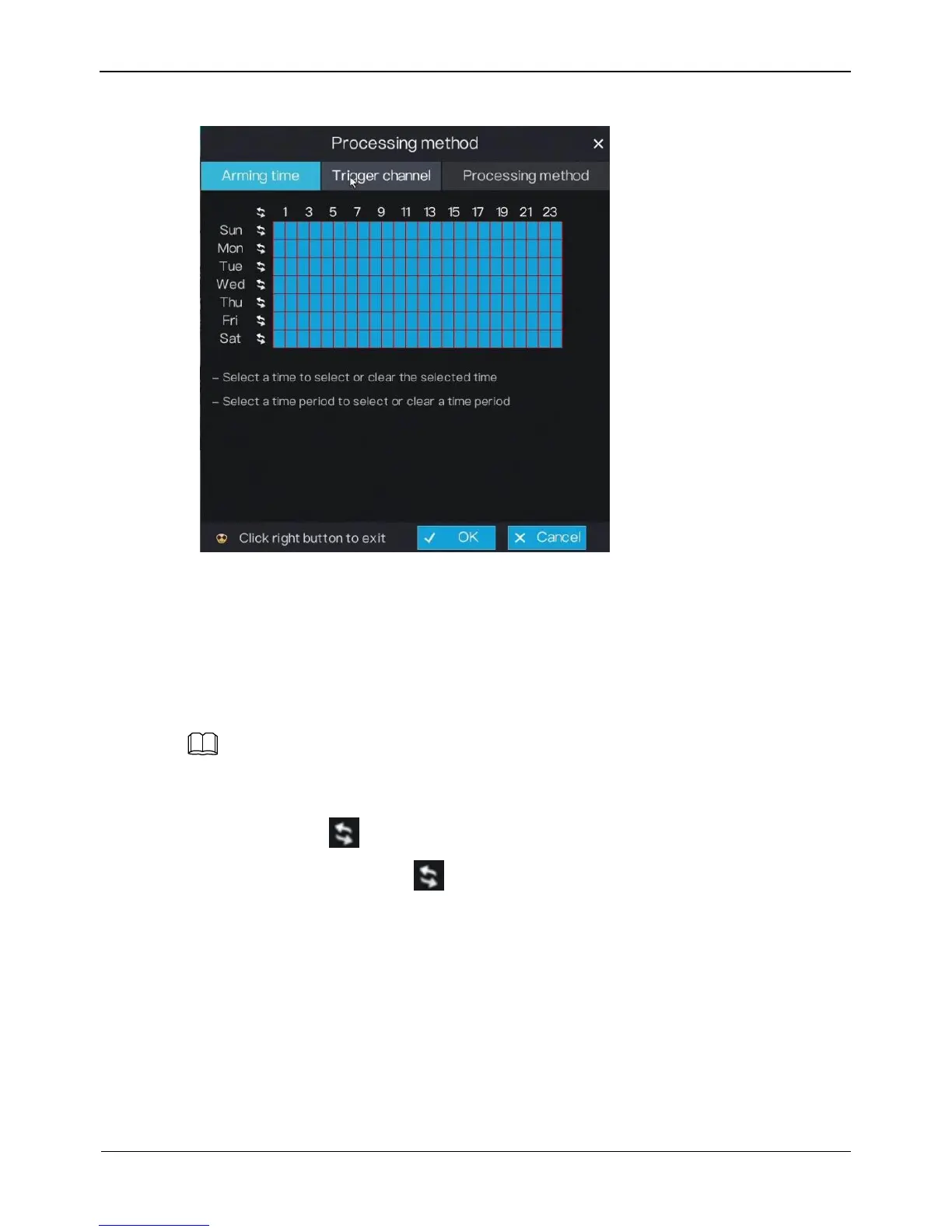
Figure 5-6 Arming time screen
Step 3 Arming time setting:
Method 1:Click left mouse button to select any time point within 0:00-24:00 from
Monday to Sunday.
Method 2:Hold down the left mouse button, drag and release mouse to select the
arming time within 0:00-24:00 from Monday to Sunday.
When you select time by dragging the cursor, the cursor cannot be moved out of the time
area. Otherwise, no time can be selected.
Method 3:Click in the arming time page to select the whole day or whole week.
Deleting arming time: Click again or inverse selection to delete the selected
arming time.
Step 4 Set trigger channel.
1. Click Trigger channel tag to access trigger channel screen, as shown in Figure 5-7.



 To Next Page