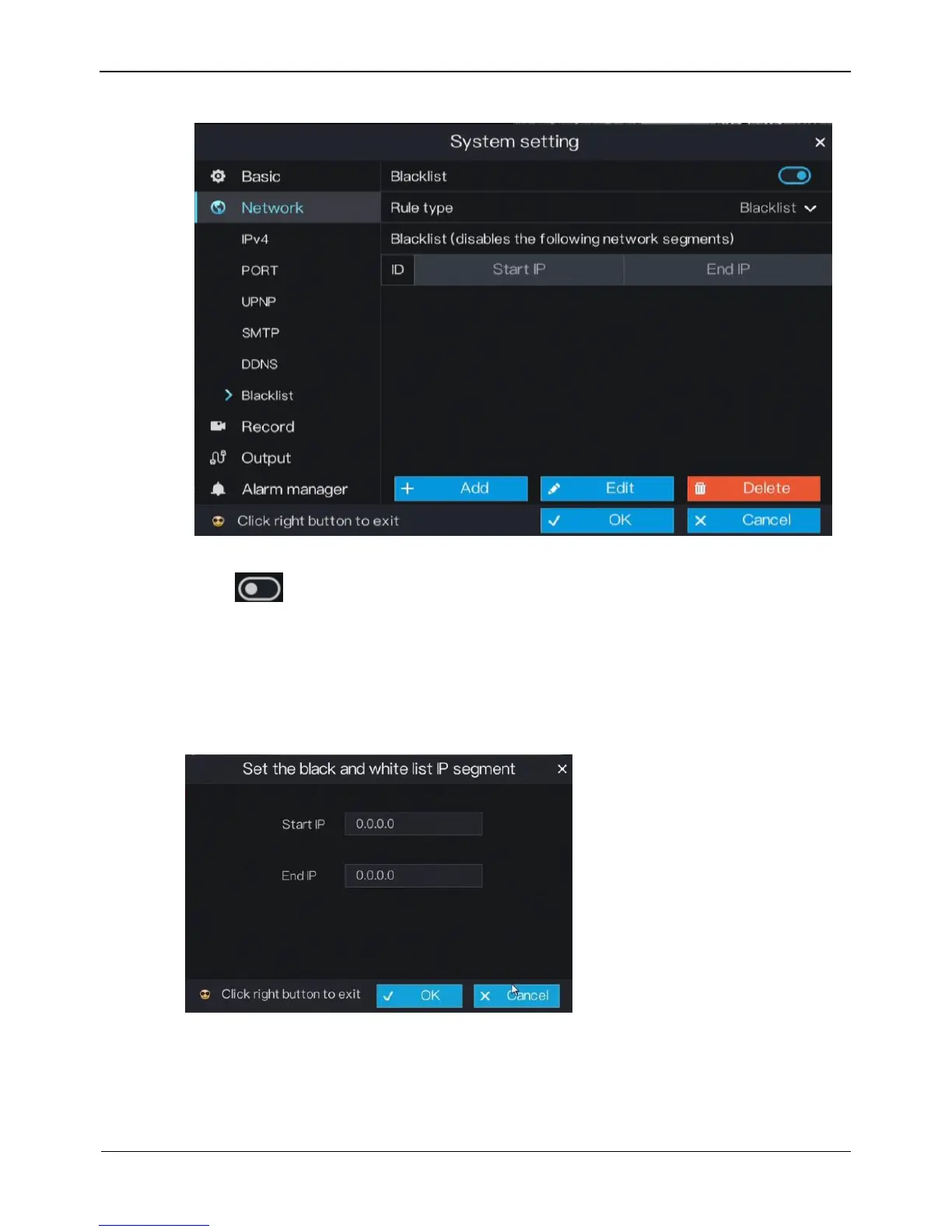
Figure 6-12 Blacklist screen
Step 2 Click next to Blacklist to enable or disable the function of blacklist. The
function is disabled by default.
Step 3 Select a required value from the rule type drop-down list.
Step 4 Click Add, the set the black and white list IP segment screen is displayed, as show in
Figure 6-13.
Figure 6-13 IP Address Segment screen
2. Enter value manually for Start IP address, end IP address.
3. Click OK. The system saves the settings. And the black and white list IP segment
listed in the black (white) list.



 To Next Page