79
CHAPTER 6 - DETAILED PARAMETER DESCRIPTION
Range
[Factory Setting]
Parameter Description / Notes
P266
(1)
0 to 27
Digital Input DI4 [4 - Not used (HMI)
Function or Start/Stop
(Terminals) ]
-
Functions activated with 0 V at digital input.
NOTES!
1) Local/Remote = open/0 V at the digital input
respectively.
2) P263 to P266 = 1 (not used or general enable)
operates as follows:
- if the command source are the terminals, i.e.,
if P229 = 1 for the local mode or P230 = 1 for
the remote mode, the digital input selected
operates as general enable;
- otherwise, no function is assigned to the digi-
tal input.
3) P263 to P266 = 2 (general enable):
- Regardless of the command source being the
terminals or the keys, P229 = 0 or 1, or
P230 = 0 or 1, the selected digital input works
as general enable.
4) The selection of P263 to P266 = 16 / 17, P263
to P266 = 18/19 and/or, P263 to P266 = 22/23
requires the programming of P221 and/or
P222 = 2.
5) The selection (P263 or P264) and/or P265 and/
or P266 = 7 / 8 (multispeed) requires the
programming of P221and/or P222 = 6.
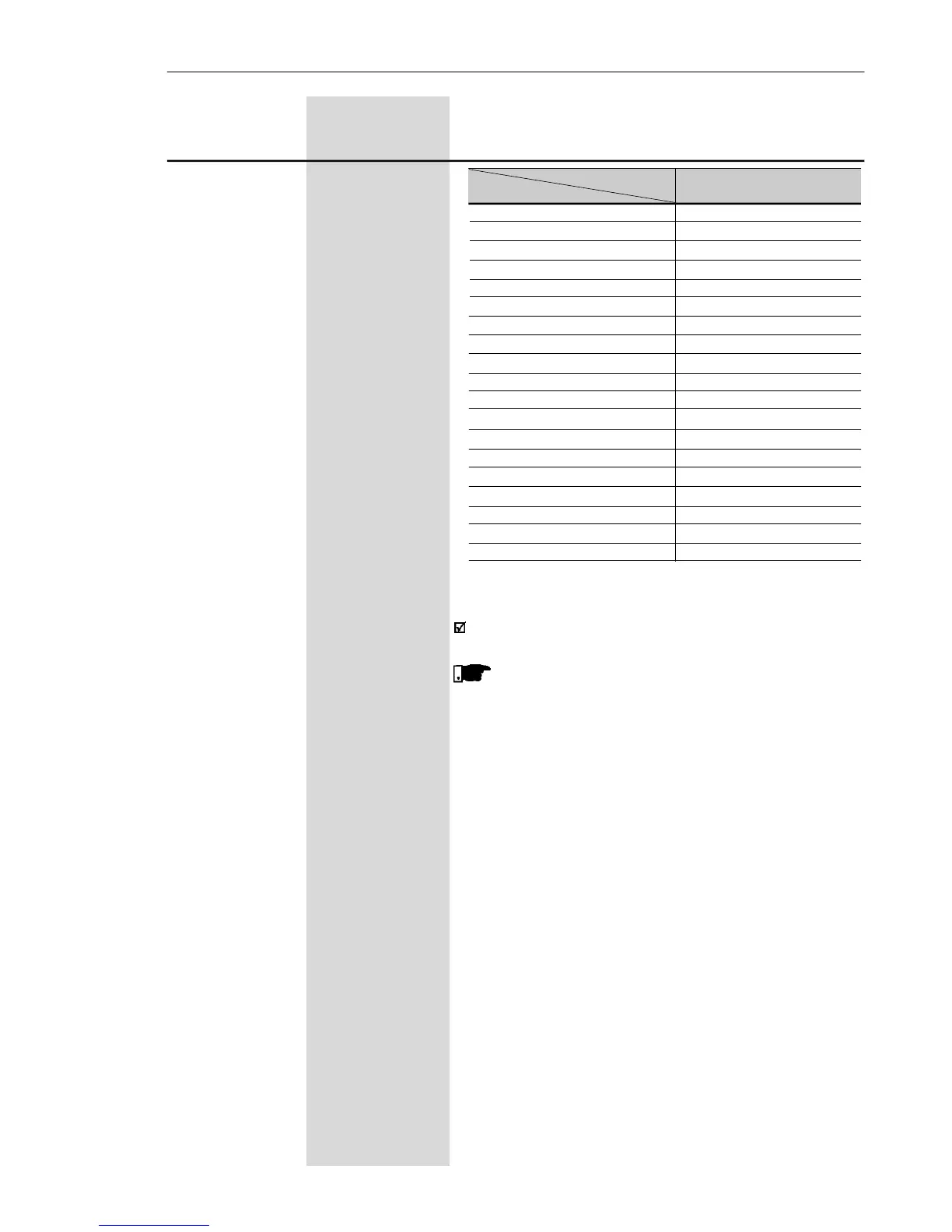
Table 6.12 (cont.) - DI´s functions programming
DI Parameter DI1 (P263), DI2 (P264),
Function DI3 (P265), DI4 (P266)
Forward run 9
Reverse Run 10
FWD with Ramp 2 11
Reverse with Ramp 2 12
Start 13
Stop 14
Activates Ramp 2 15
Increase EP 16
Decrease EP 17
Accelerated EP with Ramp 2 18
Decelerates EP with Ramp 2 19
No external fault 20
Error reset 21
Start / Accelerate EP 22
Decelerate EP / Stop 23
Stop 24
Security Switch 25
Frequency Input 26
Manual / Automatic (PID) 27



 To Next Page