4.8 Timed Light Switch and Toggle Switch
Chapter 4: Removal, Replacement, and Adjustment Procedures
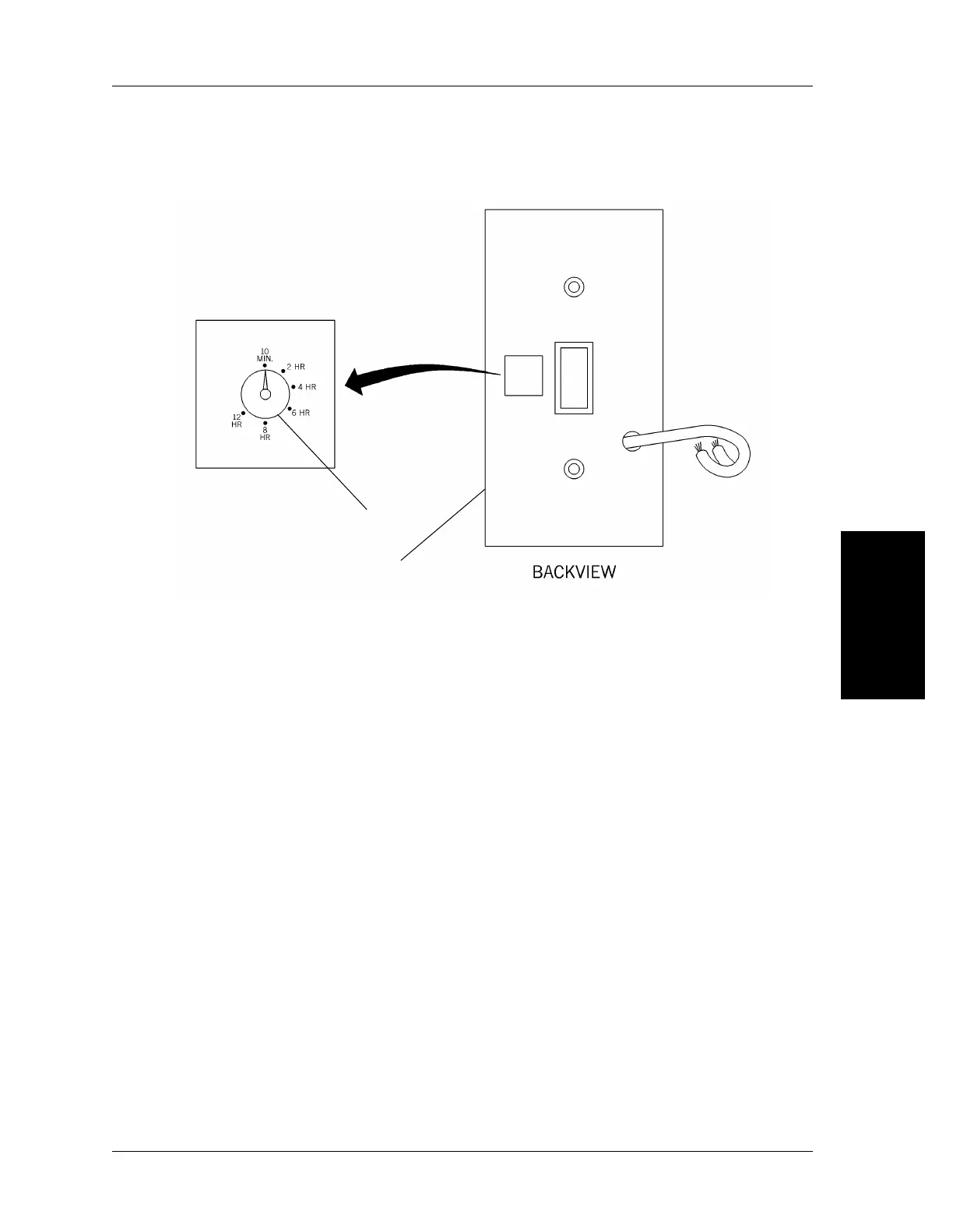
2. Locate the dial (I) on the back of the cover (see figure 4-8 on page 4-19).
Figure 4-8. Light Switch Timer Adjustment
m148_018
I
J
4
3. Adjust the dial (I) to the desired setting between 10 minutes and 12 hours.
4. Replace the cover (J), and check for the proper delay after switching the
light off.
Integris® 2001 Headwall System Service Manual (man148ra) Page 4 - 19



 To Next Page