2. Choose a video.
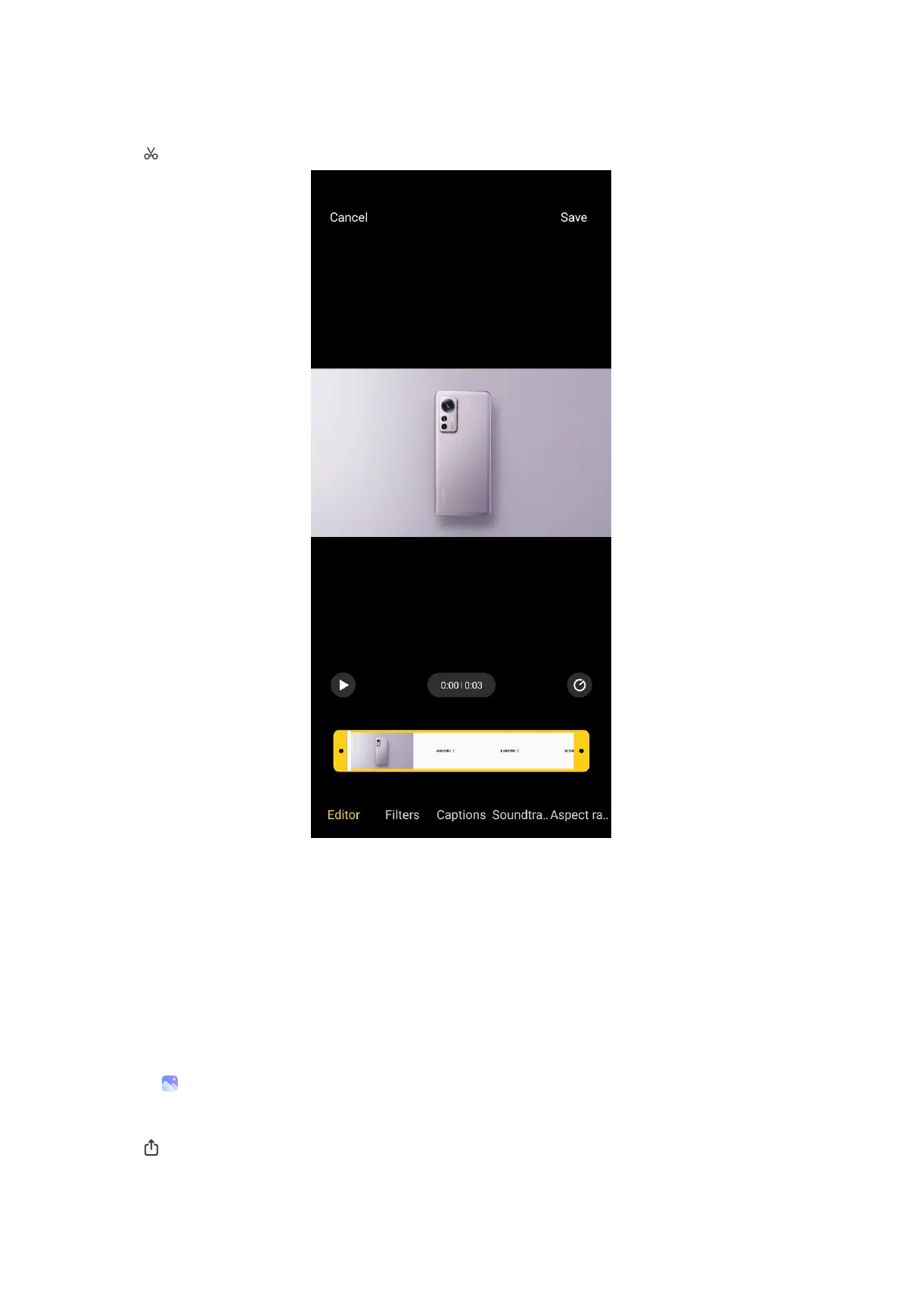
3. Tap to edit the video.
• Tap Editor to cut the video into segments.
• Tap Filters to add visual effects.
• Tap Captions to add text.
• Tap Soundtrack to adjust the volume levels and add background music.
• Tap Aspect ratio to change the aspect ratio.
4. Tap Save.
Share photos and videos
1. Go to Gallery > Photos.
2. Choose a picture or video.
3. Tap .
99



 To Next Page