• Tap Move to other albums to move the album to other albums.
• Tap Change album cover to select a new picture as an album cover.
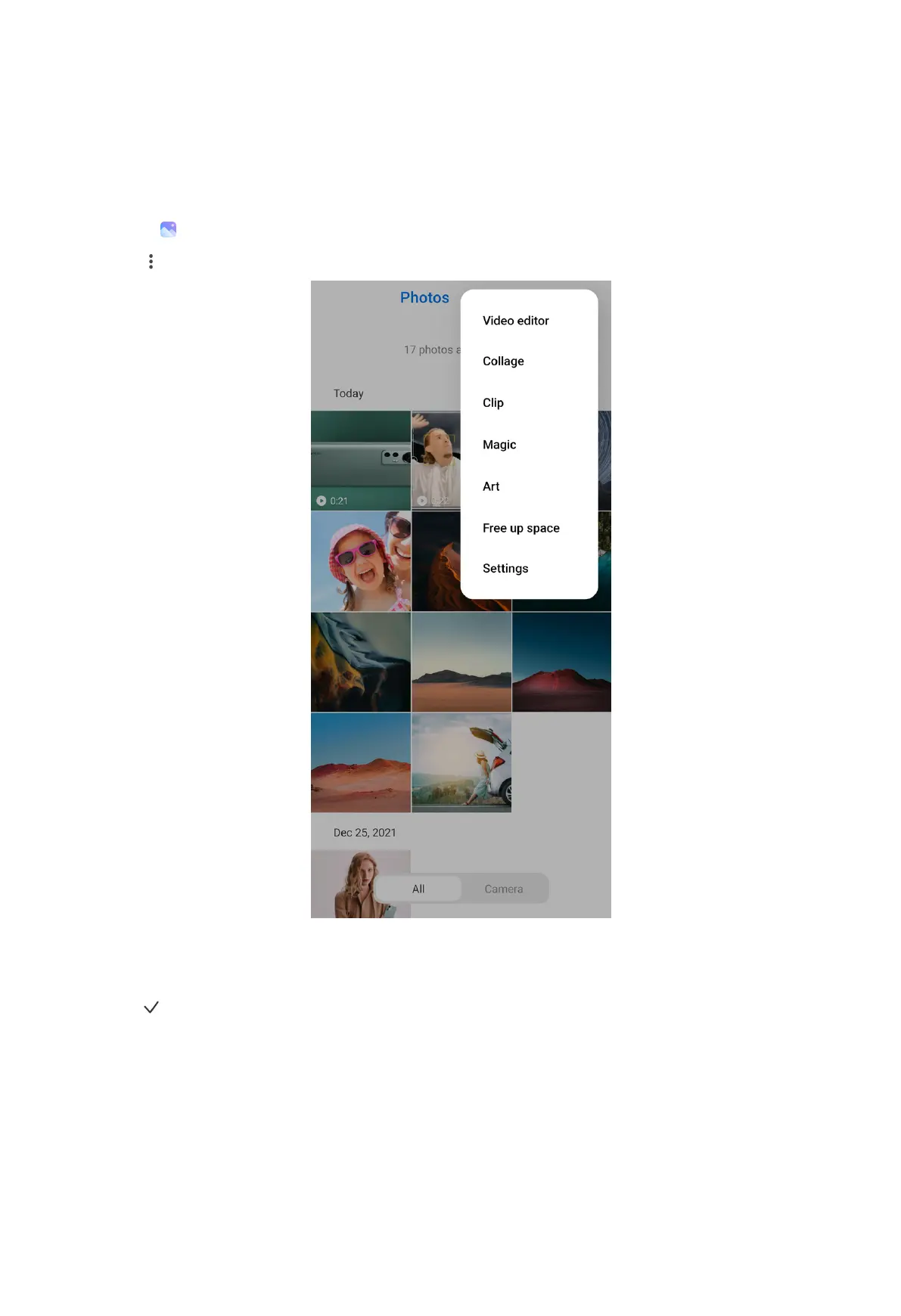
Edit a video with Video editor
1. Open Gallery.
2. Tap at the upper-right corner of the phone.
3. Tap Video editor.
4. Select one or more videos.
5. Tap to import the videos.
6. Use video editing tools to edit the video.
104



 To Next Page