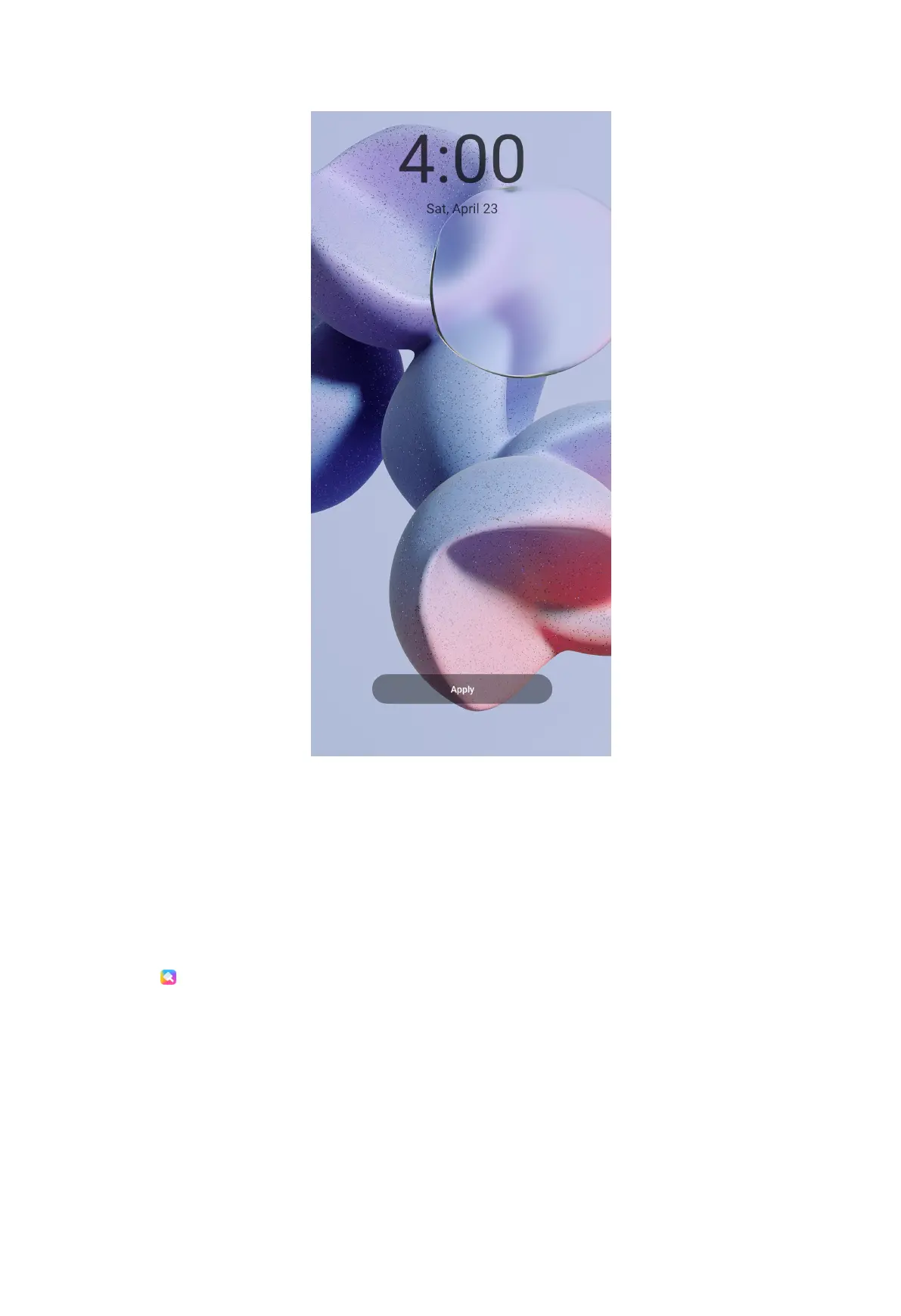
5. Choose Set as Lock screen, Set as Home screen, or Set both.
• Tap Set as Lock screen to apply the wallpaper to the Lock screen.
• Tap Set as Home screen to apply the wallpaper to the Home screen.
• Tap Set both to apply the wallpaper both to the Lock screen and Home screen.
Change the theme
1. Open
Themes.
2. Tap Themes to choose a theme.
3. Tap the selected theme to view details.
4. Tap FREE to download free theme.
30



 To Next Page