1. Open Gallery.
2. Tap at the upper-right corner of the phone.
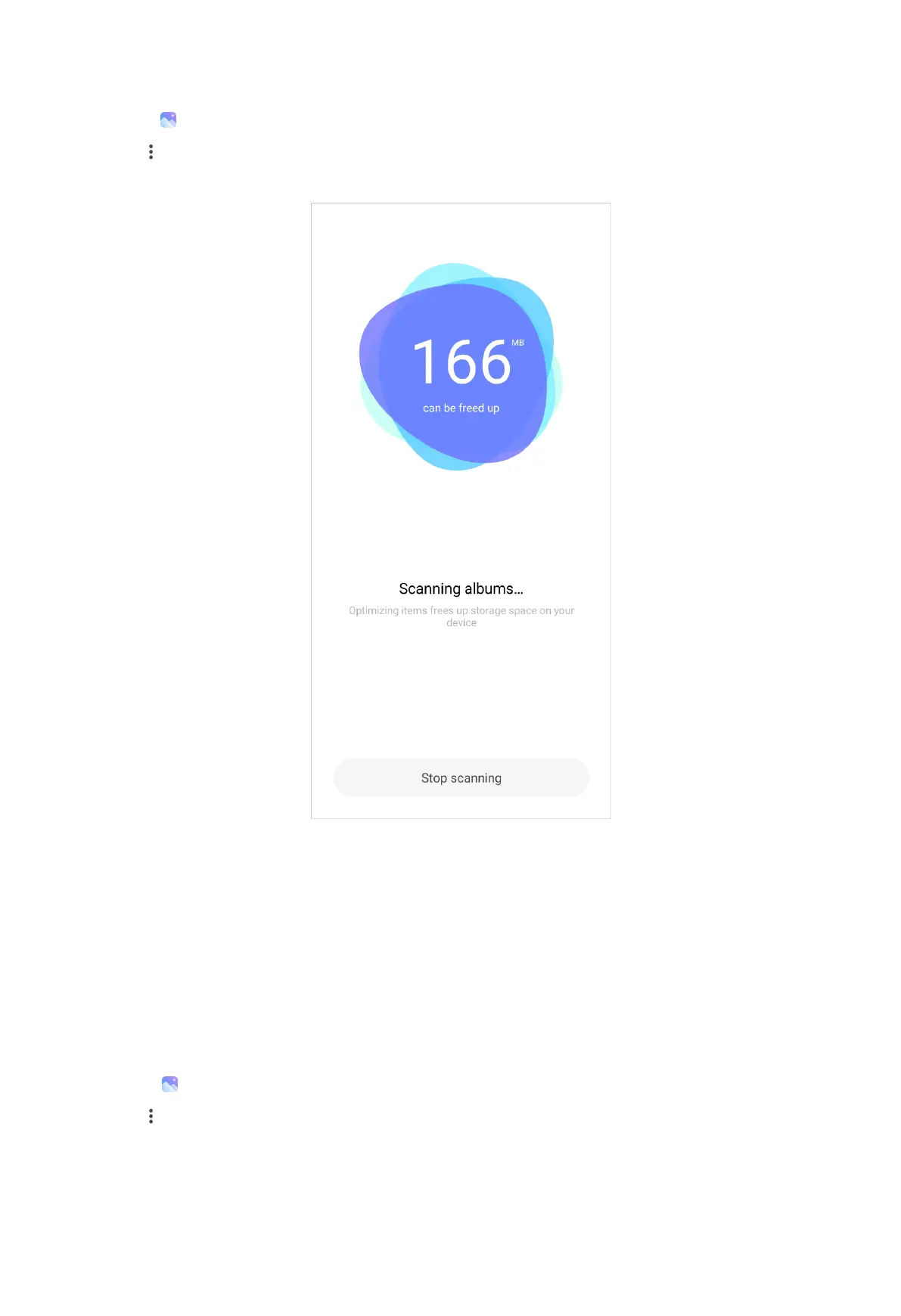
3. Tap Free up space.
NOTE:
The system starts scanning the Gallery automatically.
4. Tap View or View details.
5. Select the photos that you want to delete.
6. Tap Delete selected photos.
7. Tap Delete in the pop up window.
Set album sort format
1. Go to
Gallery > Albums.
2. Tap at the upper-right corner of the phone.
3. Tap Sort.
110



 To Next Page