NOTE:
You can also use Timed burst when you take photos in Pro mode.
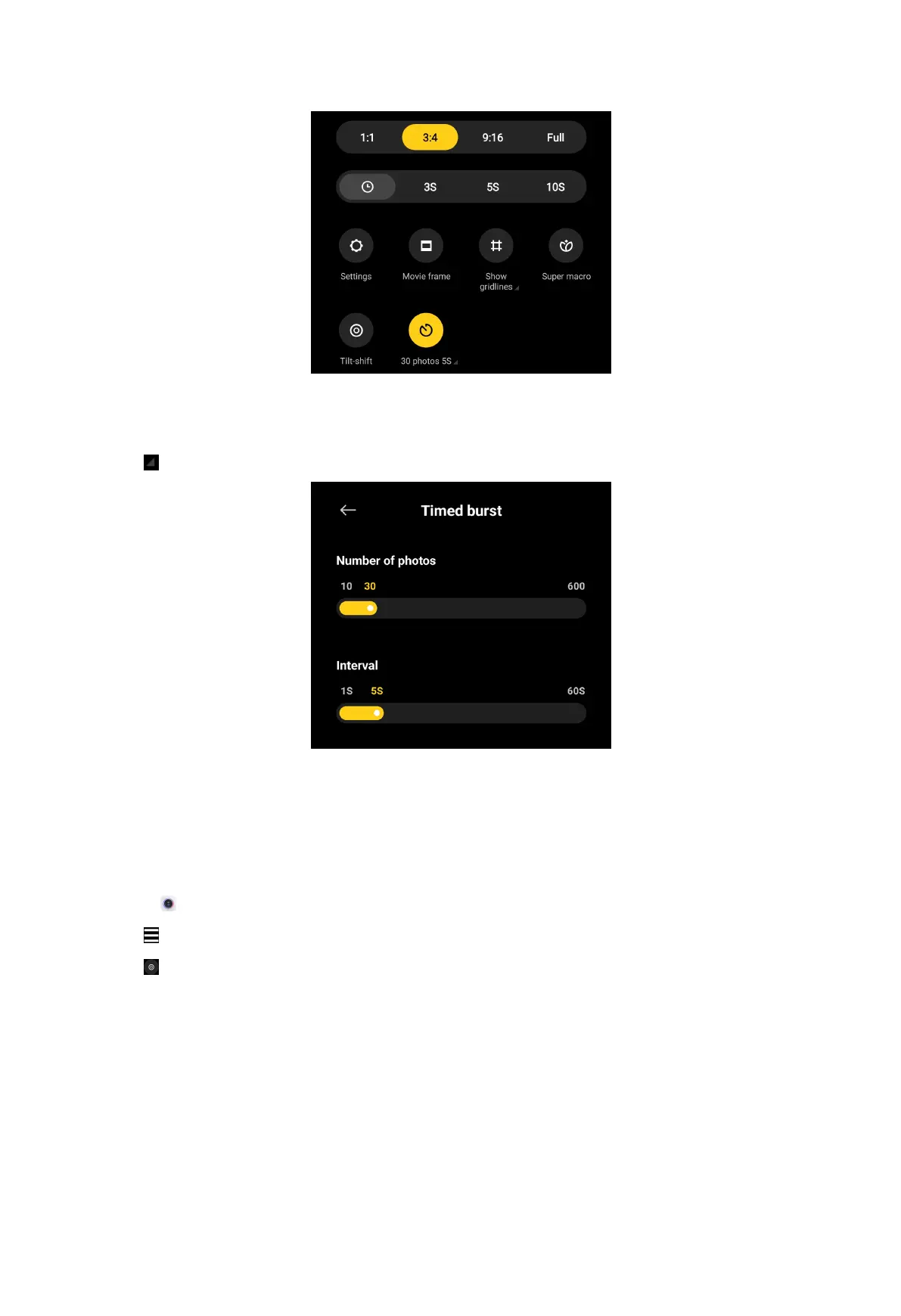
4. Tap to show the sliders for Number of photos and Interval.
5. Set the numbers and the interval.
Enable Tilt-shift
You can use Tilt-shift to make the certain area clear and other places blurred in
your photo.
1. Open
Camera.
2. Tap at the upper-right corner.
3. Tap to enable Tilt-shift.
64



 To Next Page