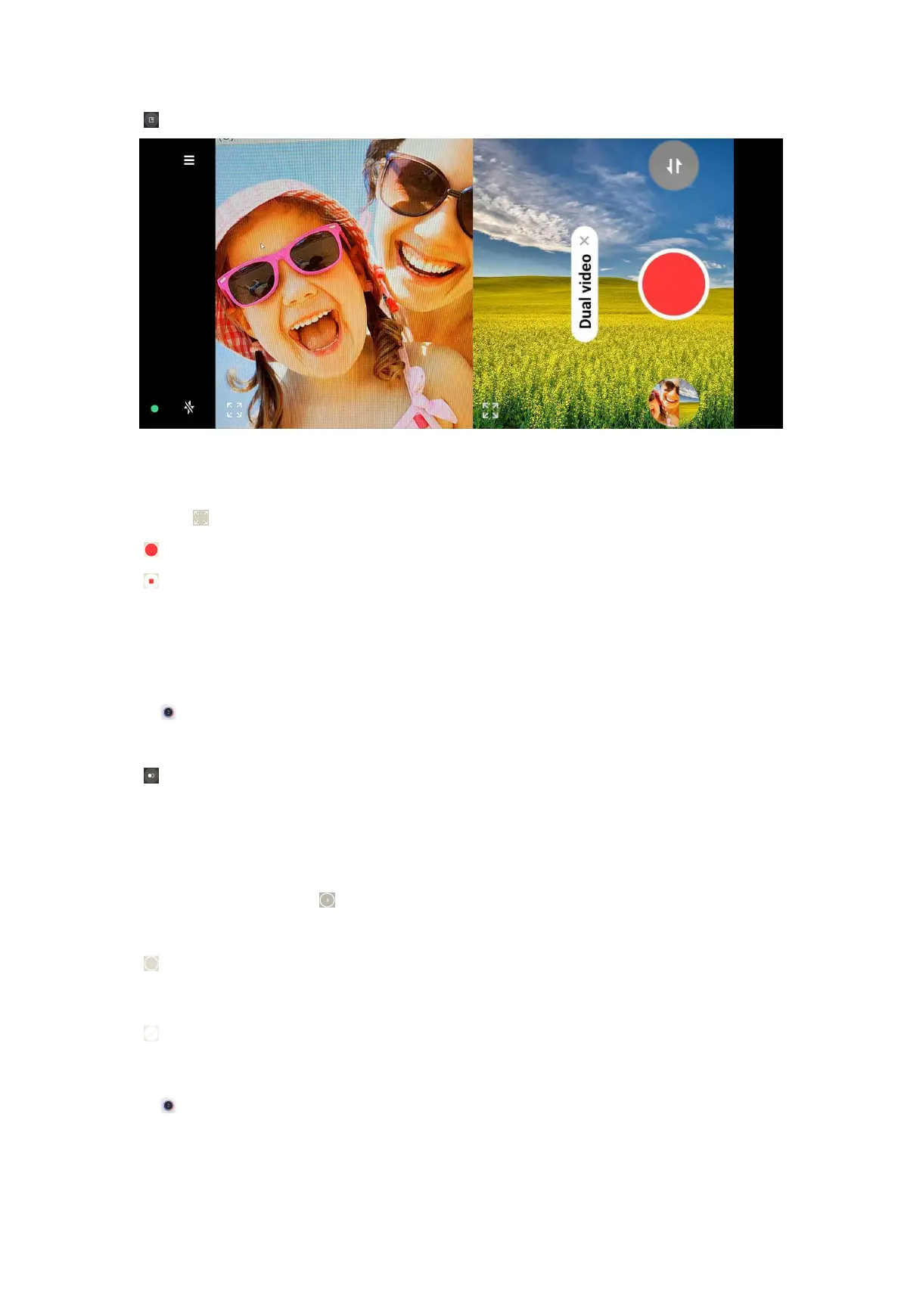
3. Tap .
4. Adjust the front and rear views on the viewfinder.
Tip:
You can tap to enlarge a view and narrow the other view.
5. Tap to start shooting.
6. Tap to stop shooting.
Take photos in Clone mode
Clone mode supports to shoot a same person for many times in one photo. You
can take many creative photos in Clone mode.
1. Open Camera.
2. Select More.
3. Tap .
NOTE:
When you tap Clone for the first time, the option is not present. You can tap Clone
again after downloading.
4. Tap Photo and then tap .
5. Point the camera to the subject and wait for the camera to identify your subject.
6. Tap to start shooting.
NOTE: You can create up to 4 clones at a time.
7. Tap to save the shooting.
Take videos in Clone mode
1. Open Camera.
2. Select More.
85



 To Next Page