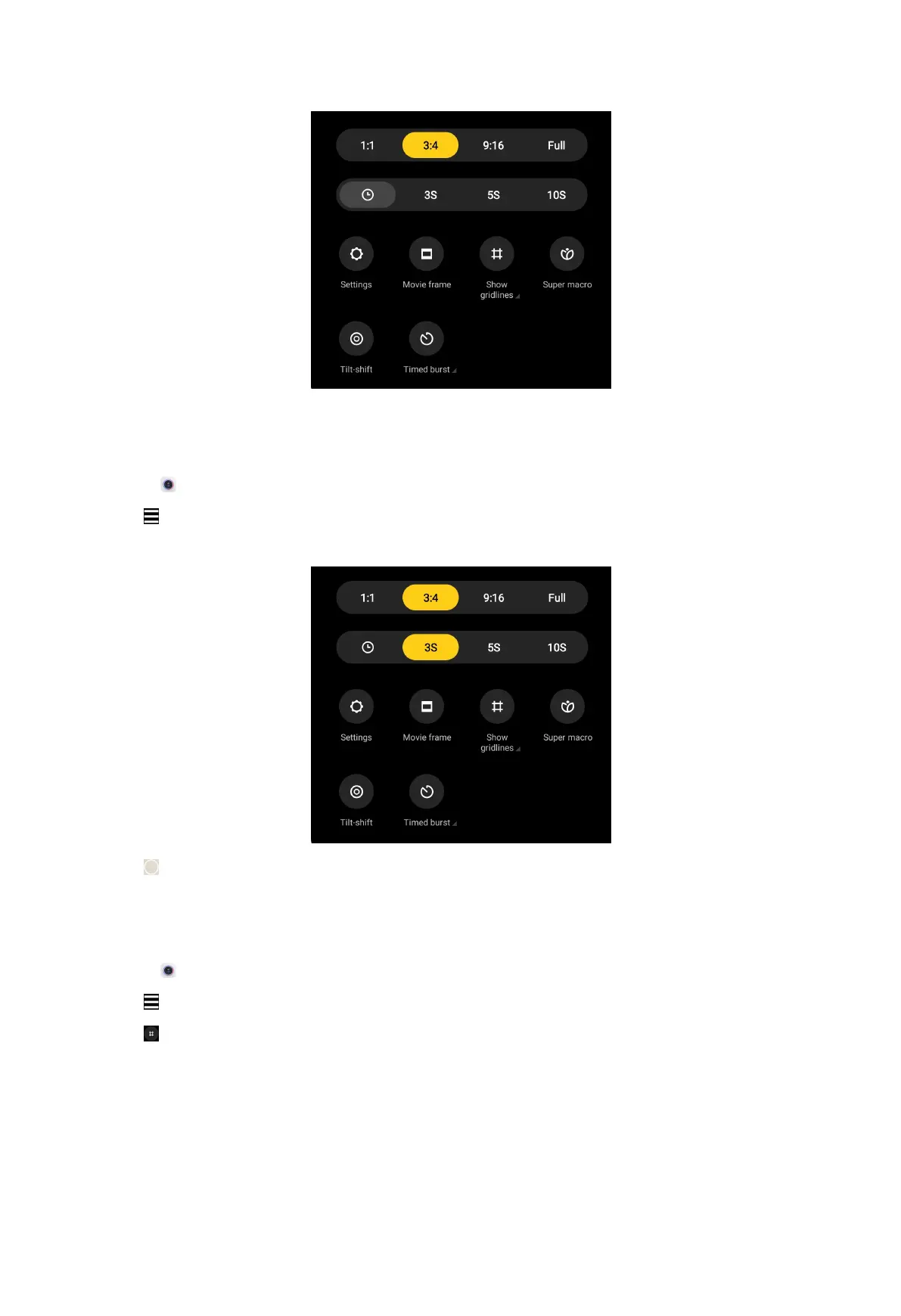
Set a timer
You can set a countdown to give yourself time to take a photo.
1. Open Camera.
2. Tap
at the upper-right corner.
3. Choose 3S, 5S, or 10S.
4. Tap to start the timer.
Show gridlines
You can use gridlines to straighten or compose your photo.
1. Open Camera.
2. Tap at the upper-right corner.
3. Tap to show gridlines.
55



 To Next Page