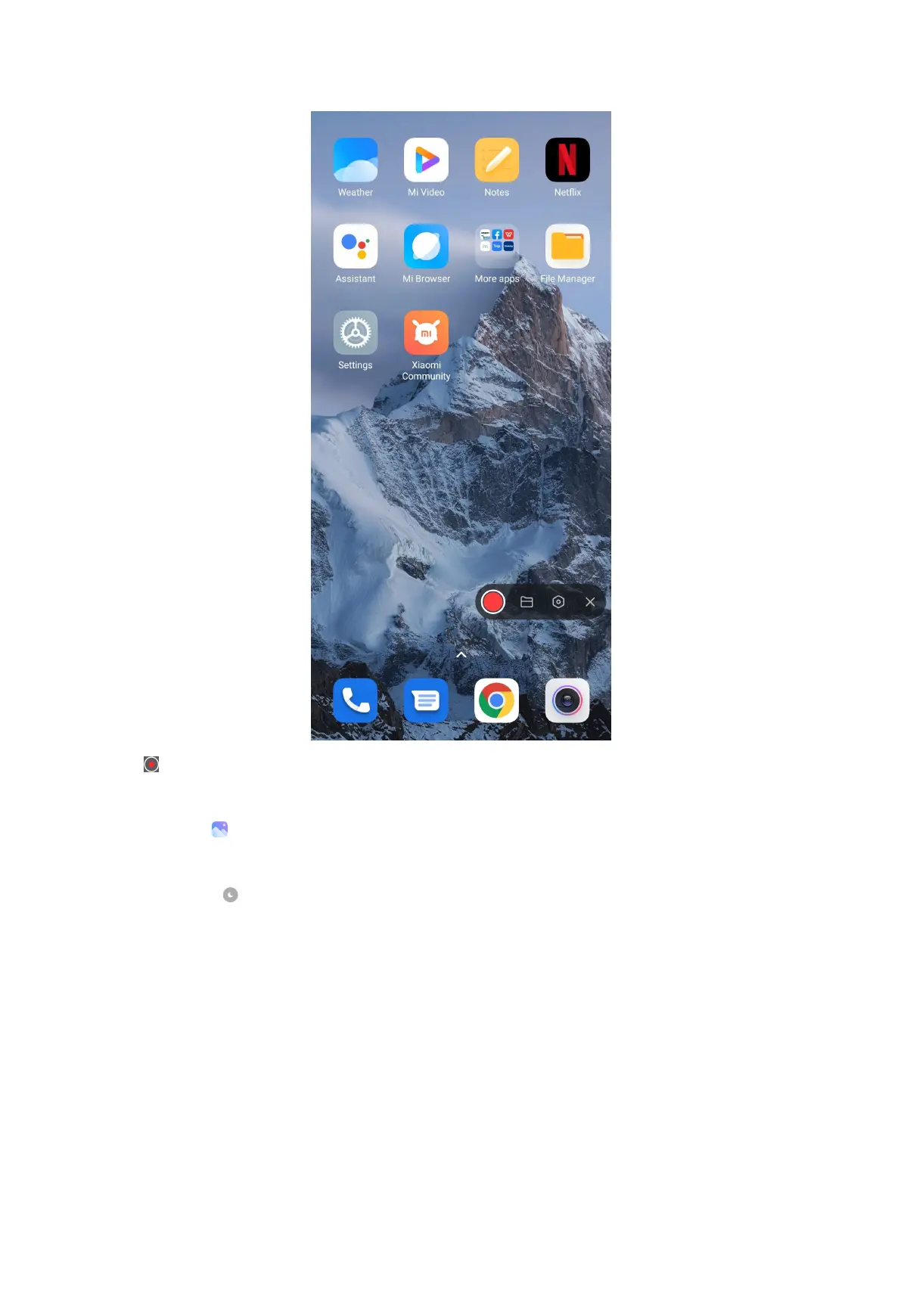
4. Tap to stop recording.
NOTE:
You can go to to view the recording.
Tip:
You can enable
in the Control center to prevent unexpected notifications.
View the notifications
1. Swipe down from the upper-left of the phone.
2. Scroll up to see more notifications.
Clear the notifications
1. Swipe down from the upper-left of the phone to see notifications.
26



 To Next Page