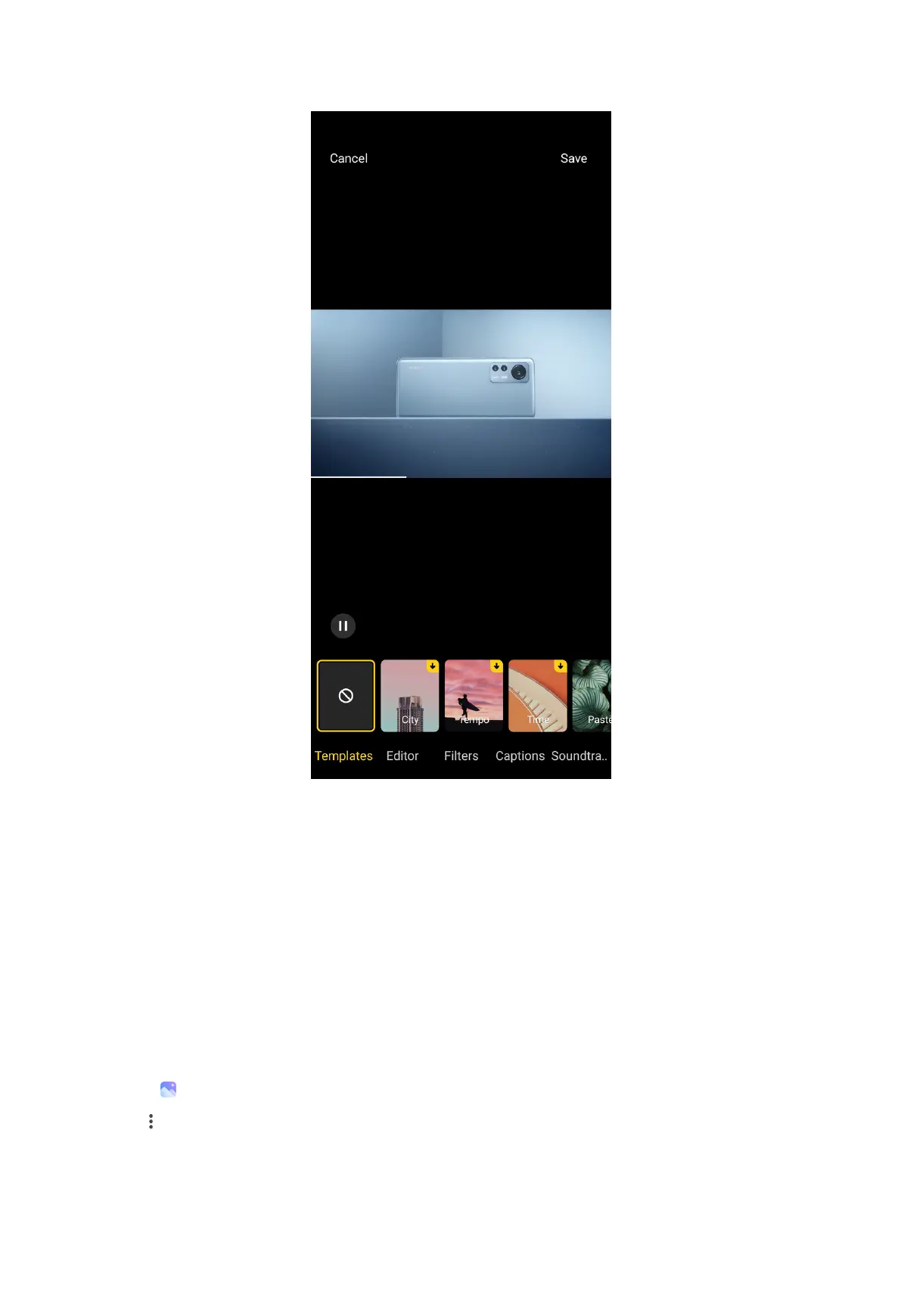
• Tap Templates to select a template.
• Tap Editor to add transitions or new videos, or cut the video into segments.
• Tap Filters to add a filter effect to the video.
• Tap Captions to add texts or credits.
• Tap Soundtracks to adjust the volume levels and add background music or
sound to the video.
• Tap Aspect ratio to adjust the aspect ratio of the video.
7. Tap Save.
Create a collage
1. Open
Gallery.
2. Tap at the upper-right corner of the phone.
105



 To Next Page