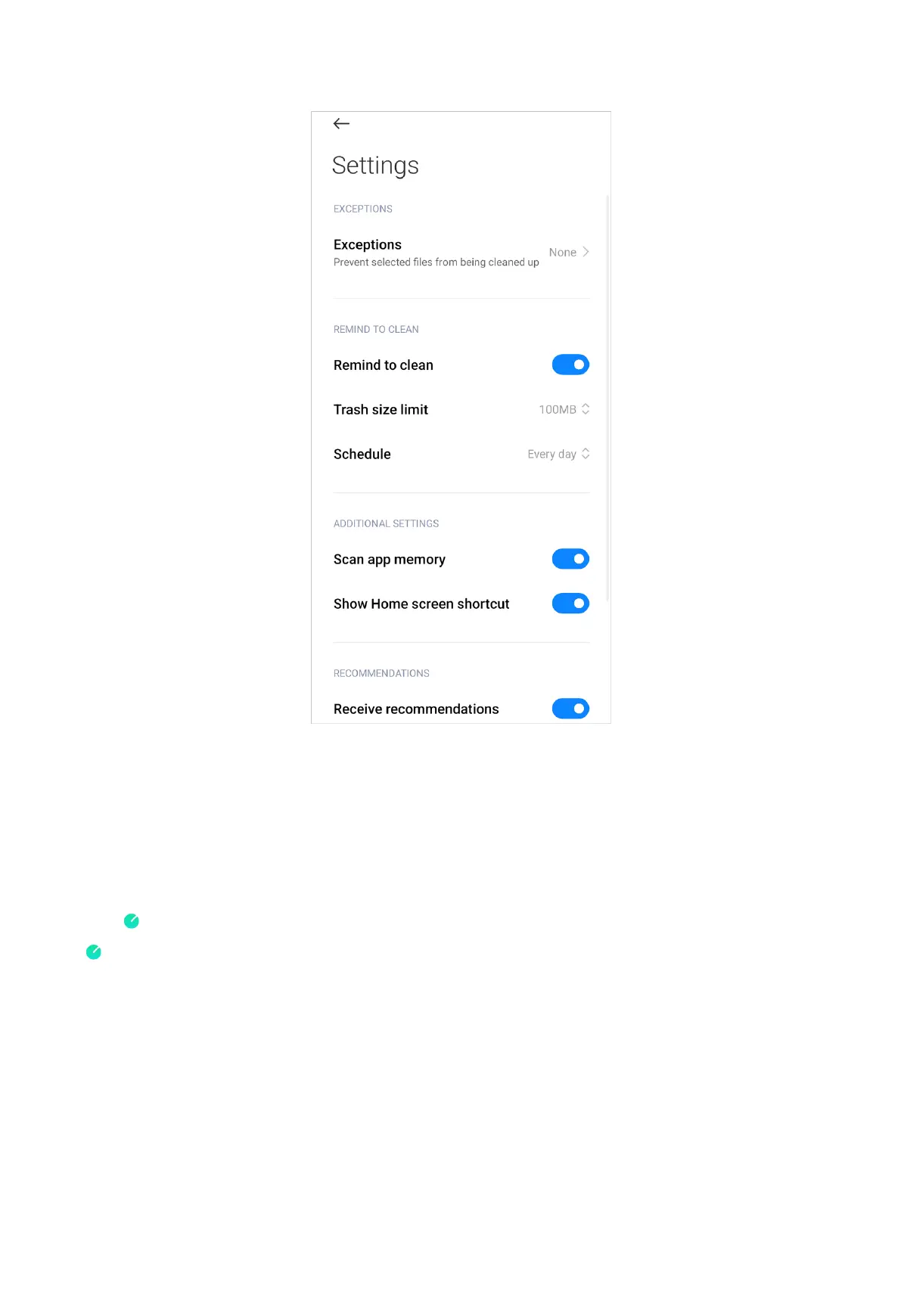
3. Set trash size limit and schedule alerts frequency.
NOTE:
You can receive an alert notification to use Cleaner when trashes reaches the limit.
Remind to clean is enabled by default.
Security scan
Use Security scan to scan your device for hidden viruses or malicious apps.
Security scan combines virus scan, payment environment scan, and privacy &
security scan to ensure your phone security.
Scan range
Security scan solves the issues related to Wi-Fi, payment environment, privacy, and
viruses. It timely distinguishes dangerous apps and viruses.
154



 To Next Page