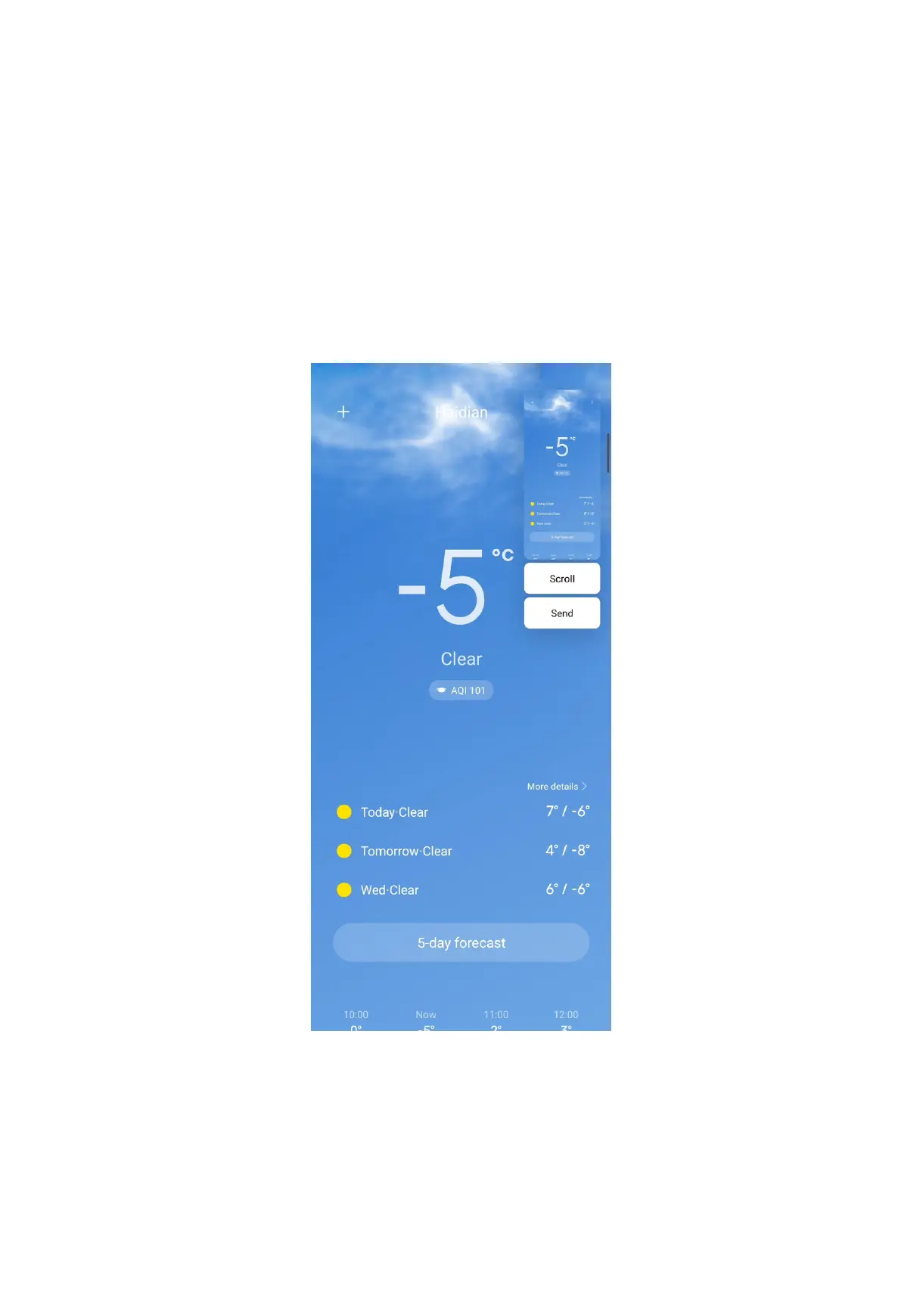
3. Press and hold with three fingers on the screen.
4. Choose a shape at the upper-right corner of the phone.
5. Move with one finger to draw the coverage.
6. Tap Save.
Take a scrolling screenshot
1. Press the Volume down button and the Power button simultaneously to take a
screenshot.
2. Tap Scroll on the screenshot at the upper-right corner.
3. Scroll up or down to determine where to end the scrolling screenshot.
NOTE: The page goes down automatically if you do not scroll up or scroll down.
23



 To Next Page