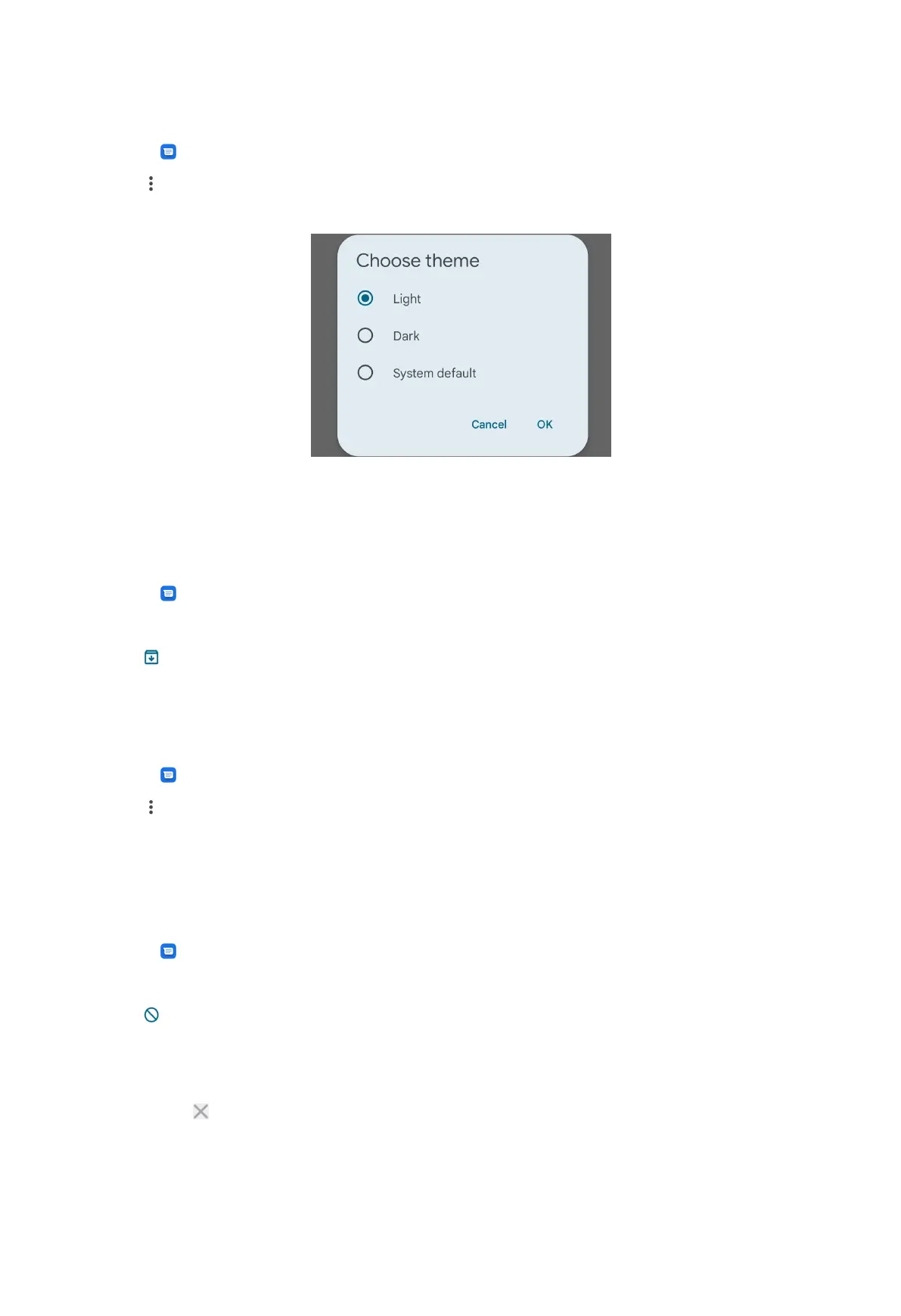
Choose a theme
1. Open Messages.
2. Tap at the upper-right corner of the phone.
3. Tap Choose theme.
4. Select Light, Dark, or System default theme.
5. Tap OK.
Archive a conversation
1. Open Messages.
2. Touch and hold a conversation.
3. Tap .
Tip: You can also swipe a conversation left or right to archive the conversation.
View an archived conversation
1. Open
Messages.
2. Tap at the upper-right corner of the phone.
3. Tap Archived.
4. Tap a conversation to view details.
Block a spam or conversation
1. Open
Messages.
2. Touch and hold a spam or a conversation.
3. Tap .
4. Tap OK.
NOTE:
You can tap to unblock a spam or conversation.
46



 To Next Page