NOTE:
You cannot rename the default album name such as All photos, Favorites, Videos,
and Screenshots and screen recordings.
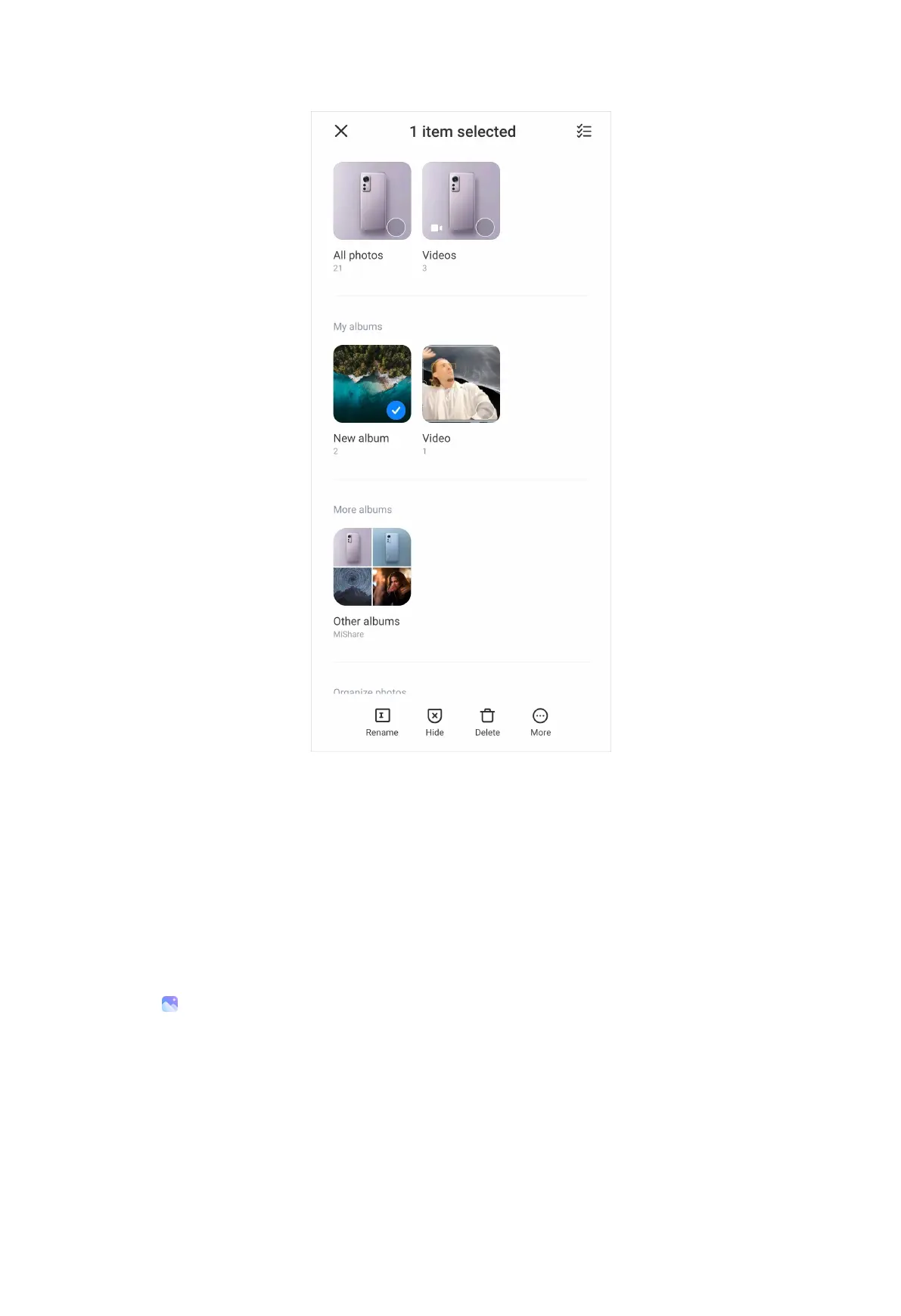
3. Tap Rename.
4. Enter the new album name.
5. Tap OK.
Hide albums
1. Go to Gallery > Albums.
2. Press and hold the album that you want to hide.
3. Tap Hide.
4. Tap OK in the pop up window.
NOTE:
102



 To Next Page