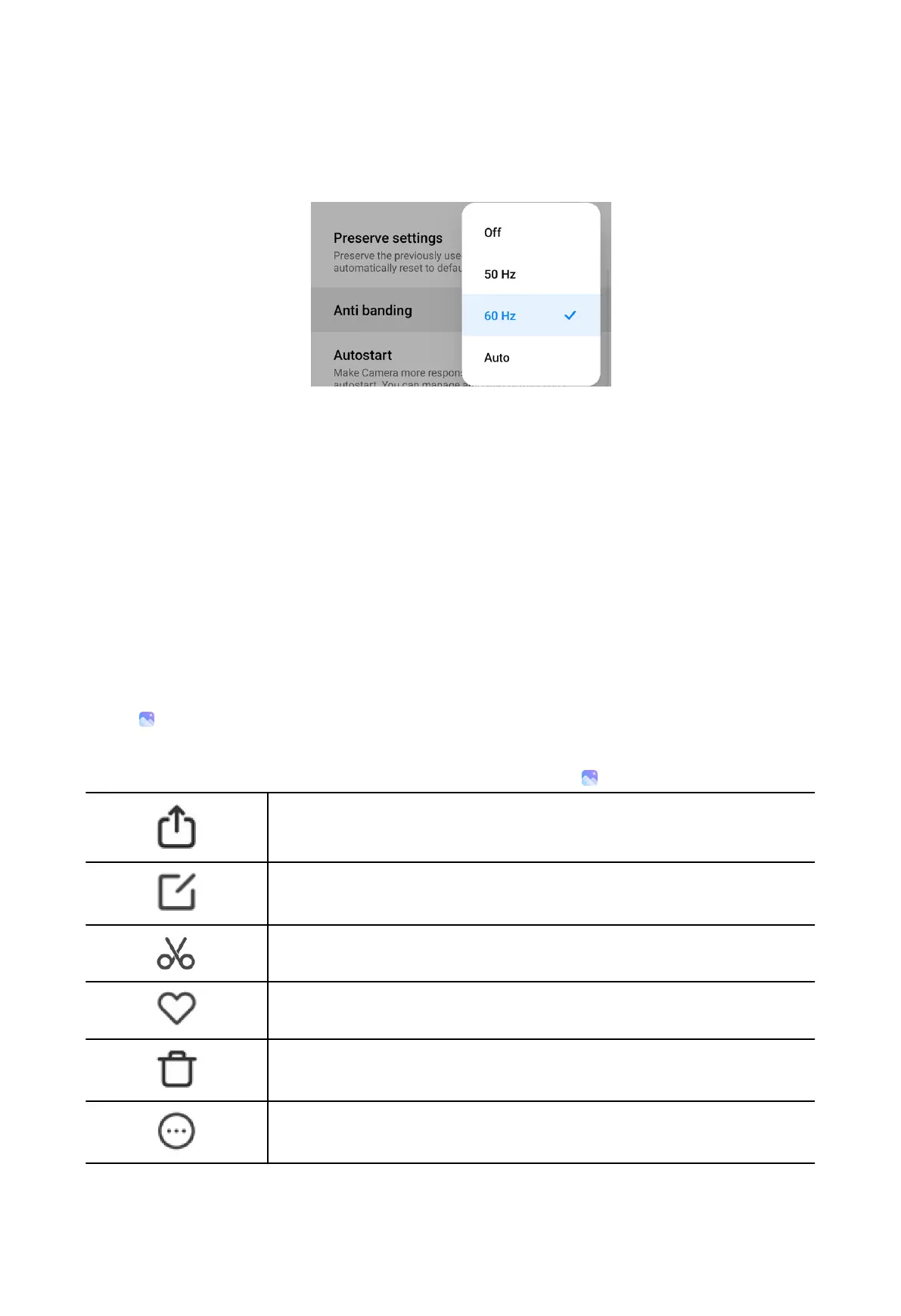
Set Anti banding
1. Open Camera settings.
2. Tap Anti banding to choose Off, 50Hz, 60Hz, or Auto.
View Privacy Policy
1. Open Camera settings.
2. Tap Privacy Policy.
Restore default settings
1. Open Camera settings.
2. Tap Restore default settings.
3. Tap OK.
Gallery
Open
(Gallery App) to view all the visual media stored on your phone. You can
view, edit, and manage pictures and videos.
You can refer to the following table for common icons in
Gallery.
Share photos and videos.
Edit photos.
Edit videos.
Mark photos and videos as favorite.
Delete photos and videos.
Show more items to manage photos and videos.
93



 To Next Page