• Tap Backgrounds to customize App drawer background.
• Tap Scroll bar to set App layout.
• Tap to enable Place new apps on the Home screen.
Enable Google Discover
1. Go to Settings > Home screen.
2. Tap to enable Google Discover.
Set system navigation buttons
1. Go to Settings > Home screen > System navigation.
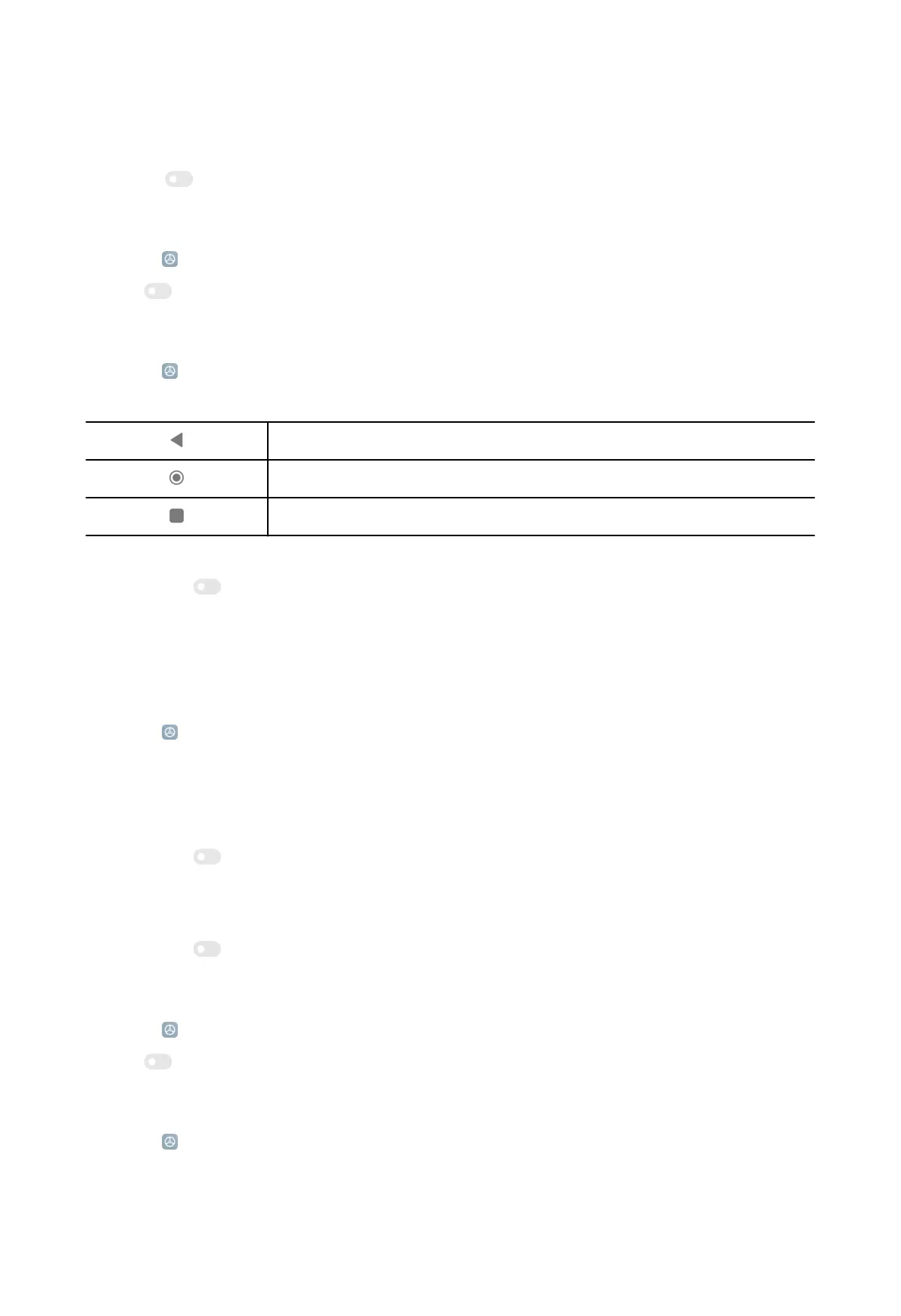
2. Choose Buttons to use system navigation buttons.
Return
Return to the Home screen
View recently-opened apps in Recents
NOTE:
You can tap to enable Mirror buttons to mirror Back and Menu buttons.
NOTE:
You can also tap Button shortcuts to set button shortcuts.
Set system navigation gestures
1. Go to
Settings > Home screen > System navigation.
2. Choose Gestures to use full screen gestures. See System navigation gestures on
page 4 for more information.
NOTE:
You can tap to enable Hide full screen indicator when you use full screen
gestures.
NOTE:
You can tap
to enable Gesture confirmation.
Fill cells of uninstalled apps
1. Go to Settings > Home screen.
2. Tap to enable Fill cells of uninstalled apps.
Lock Home screen layout
1. Go to
Settings > Home screen.
127



 To Next Page