• Tap to adjust parameters. See Take photos in Pro mode on page 71 for more
information.
5. Tap to start shooting.
6. Tap to stop shooting.
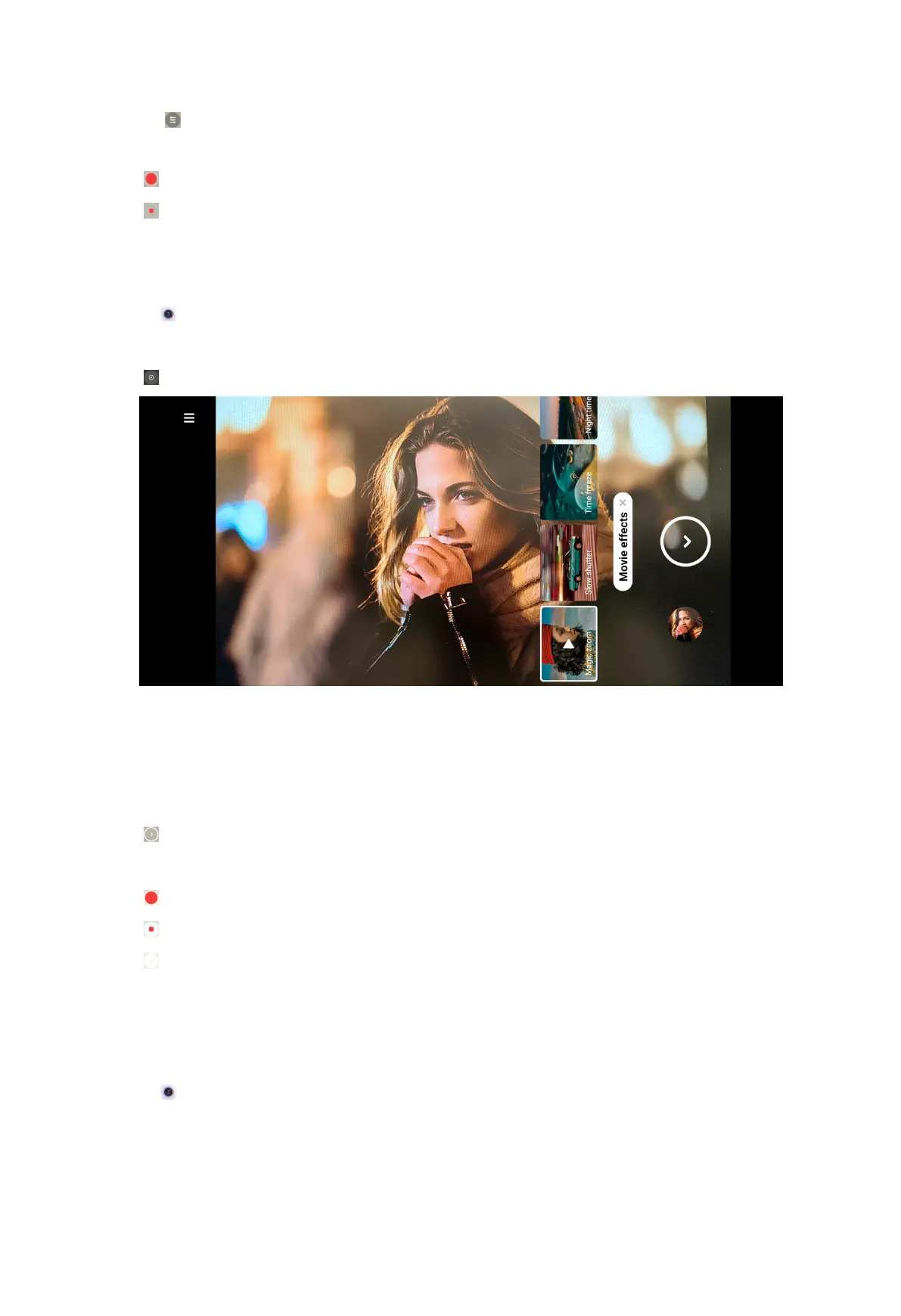
Take videos in Movie effects mode
You can take a video in Movie effects mode and apply more magic camera effects.
1. Open
Camera.
2. Select More.
3. Tap .
NOTE:
When you tap Movie effects for the first time, the option is not present. You can
tap Movie effects again after downloading.
4. Choose a movie effect.
5. Tap to apply the effect.
6. Follow the instructions of each effect.
7. Tap to start shooting.
8. Tap to stop shooting.
9. Tap to save the shooting.
Take videos in Dual video mode
Dual video mode splits the scene on the viewfinder into two views. You can view
and record a scene with the rear and front camera simultaneously.
1. Open
Camera.
2. Select More.
84



 To Next Page