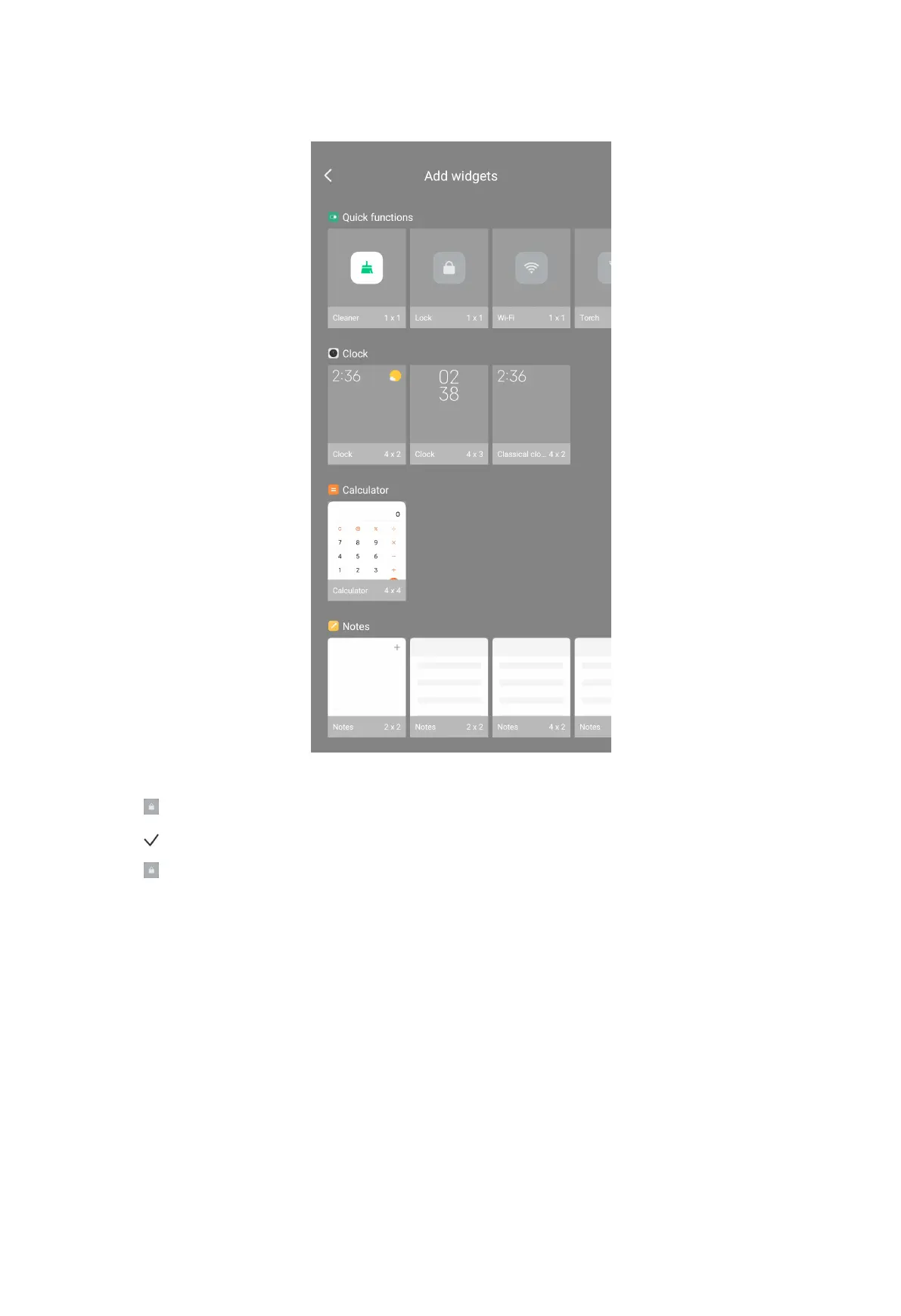
3. Tap from Quick functions.
4. Tap .
5. Tap to lock the screen.
Unlock the screen
If you do not set lock password of the phone, you can press the Power button to
wake up the screen and then swipe up from the bottom of the phone to unlock the
screen.
Unlock the screen with a pattern, PIN, or password
1. Press the Power button to wake up the phone.
2. Swipe up from the bottom of the screen.
20



 To Next Page