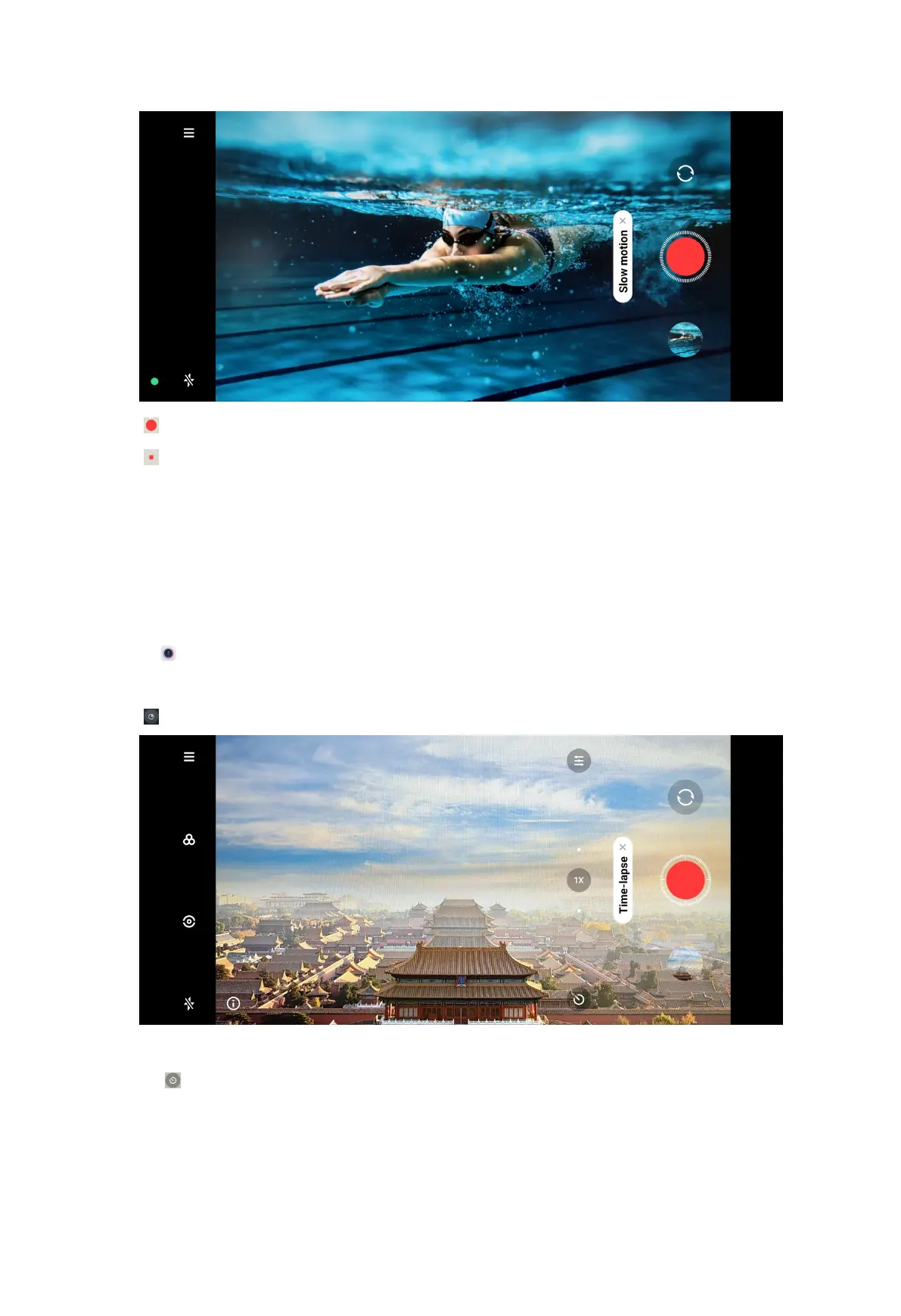
4. Tap to start shooting.
5. Tap to stop shooting.
Take videos in Time-lapse mode
Time-lapse mode takes a video for several minutes or even hours, and then
condenses the videos with a higher speed. You can capture the beauty of change
such as drifting clouds, sunrise and sunset, and blossoming flowers.
You can use a tripod to keep your camera steady when you are shooting.
1. Open Camera.
2. Select More.
3. Tap .
4. Choose to set up your shooting.
• Tap to choose Speed and Duration.
• Zoom in or zoom out the photo.
83



 To Next Page