2. Tap a message that you want to reply.
3. Tap the text field to text message.
4. Tap to send the message.
Pin a conversation
1. Open Messages.
2. Touch and hold a conversation.
3. Tap .
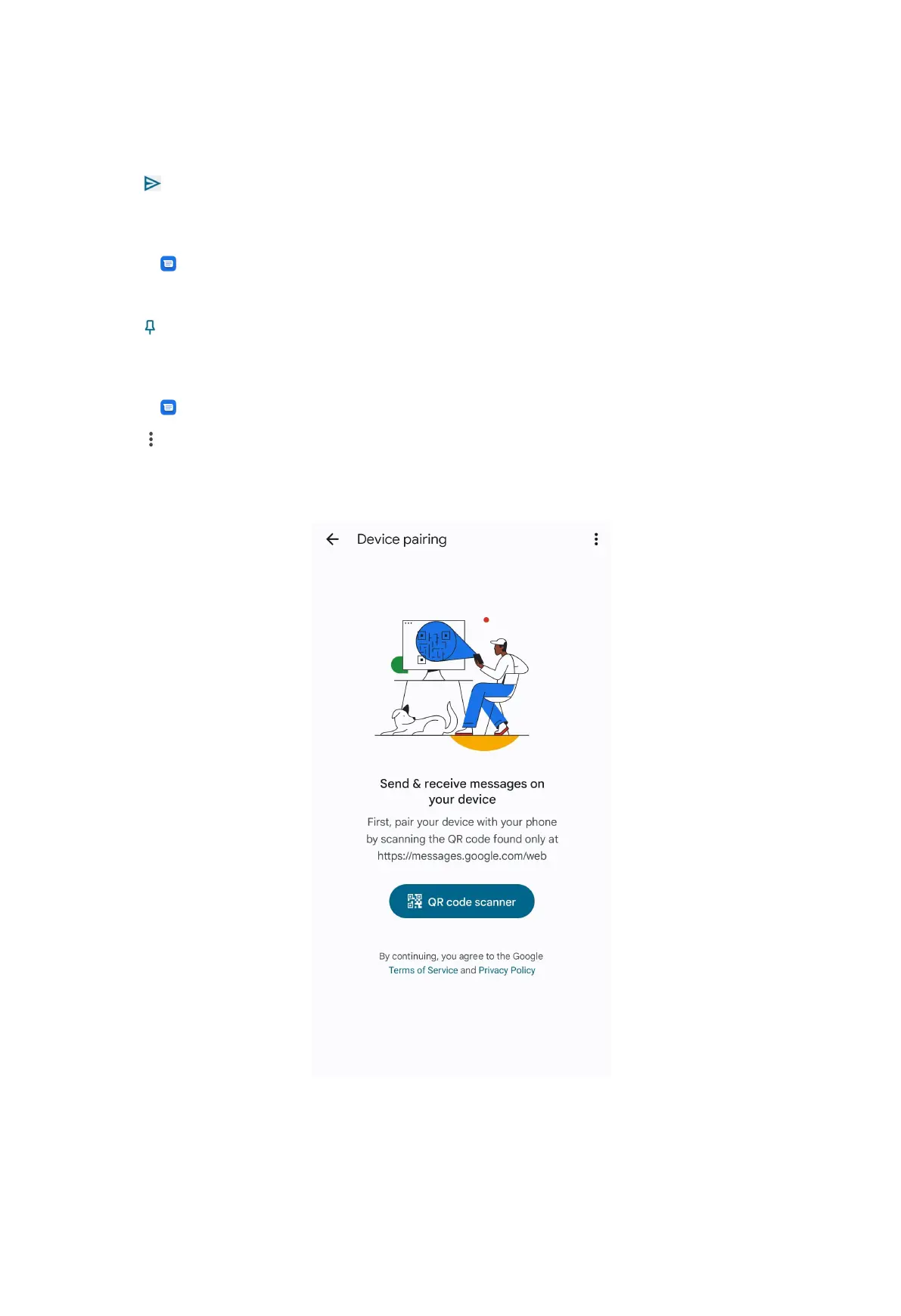
Pair a device
1. Open Messages.
2. Tap at the upper-right corner of the phone.
3. Tap Device pairing.
4. Tap QR code scanner.
5. Scan the QR code shown on https://messages.google.com/web.
45



 To Next Page