If you want to view the hidden albums, you can see View hidden albums on page
112 for more information.
Delete albums
1. Go to
Gallery > Albums.
2. Press and hold the album that you want to delete.
3. Tap Delete.
4. Tap OK in the pop up window.
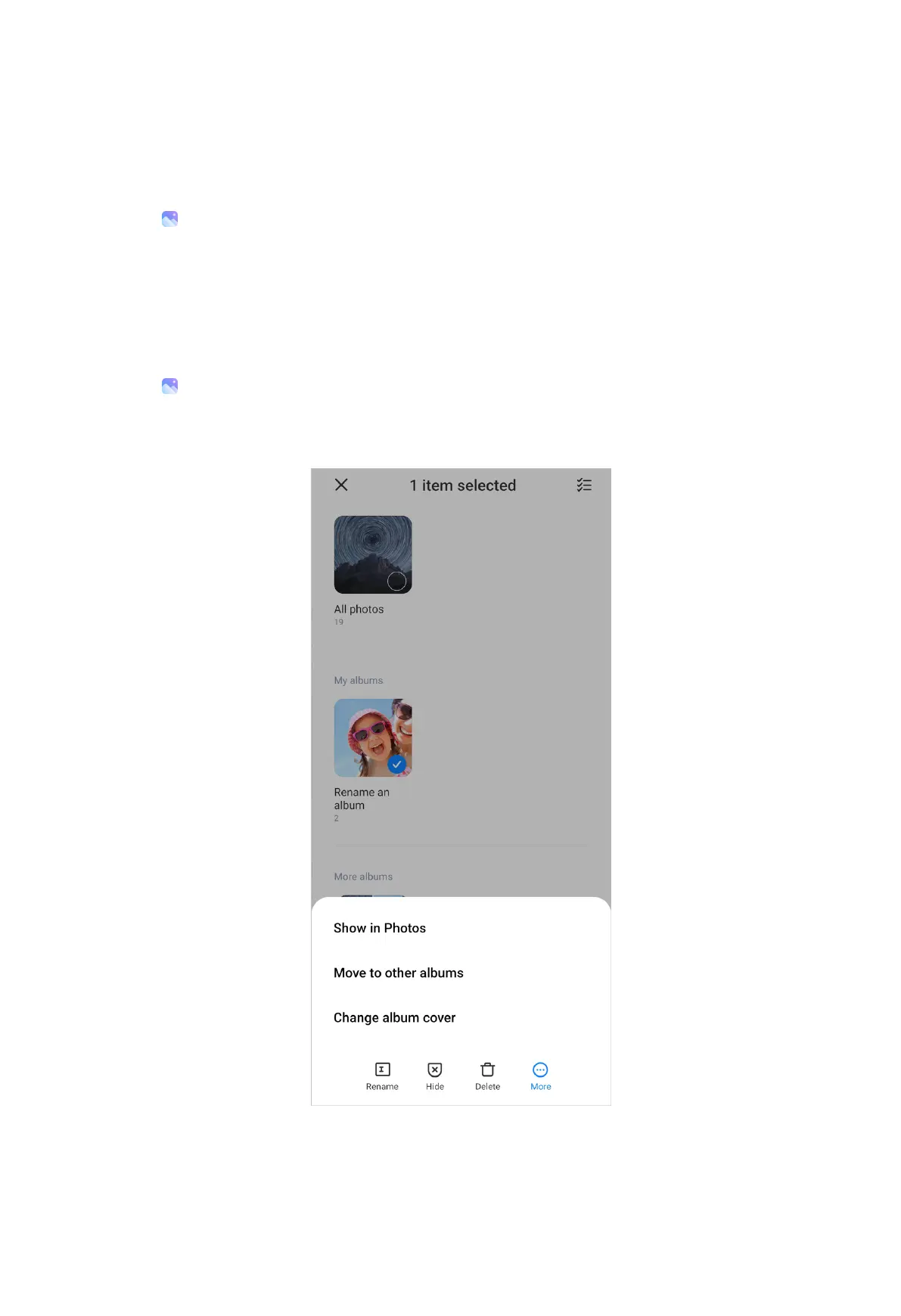
Manage albums
1. Go to Gallery > Albums.
2. Press and hold the album that you want to manage.
3. Tap More.
• Tap Show in Photos to add pictures to Photos album.
103



 To Next Page