Add a voicemail number
1. Open Phone.
2. Tap at the upper-right corner of the phone.
3. Go to Settings > Voicemail > Advanced Settings.
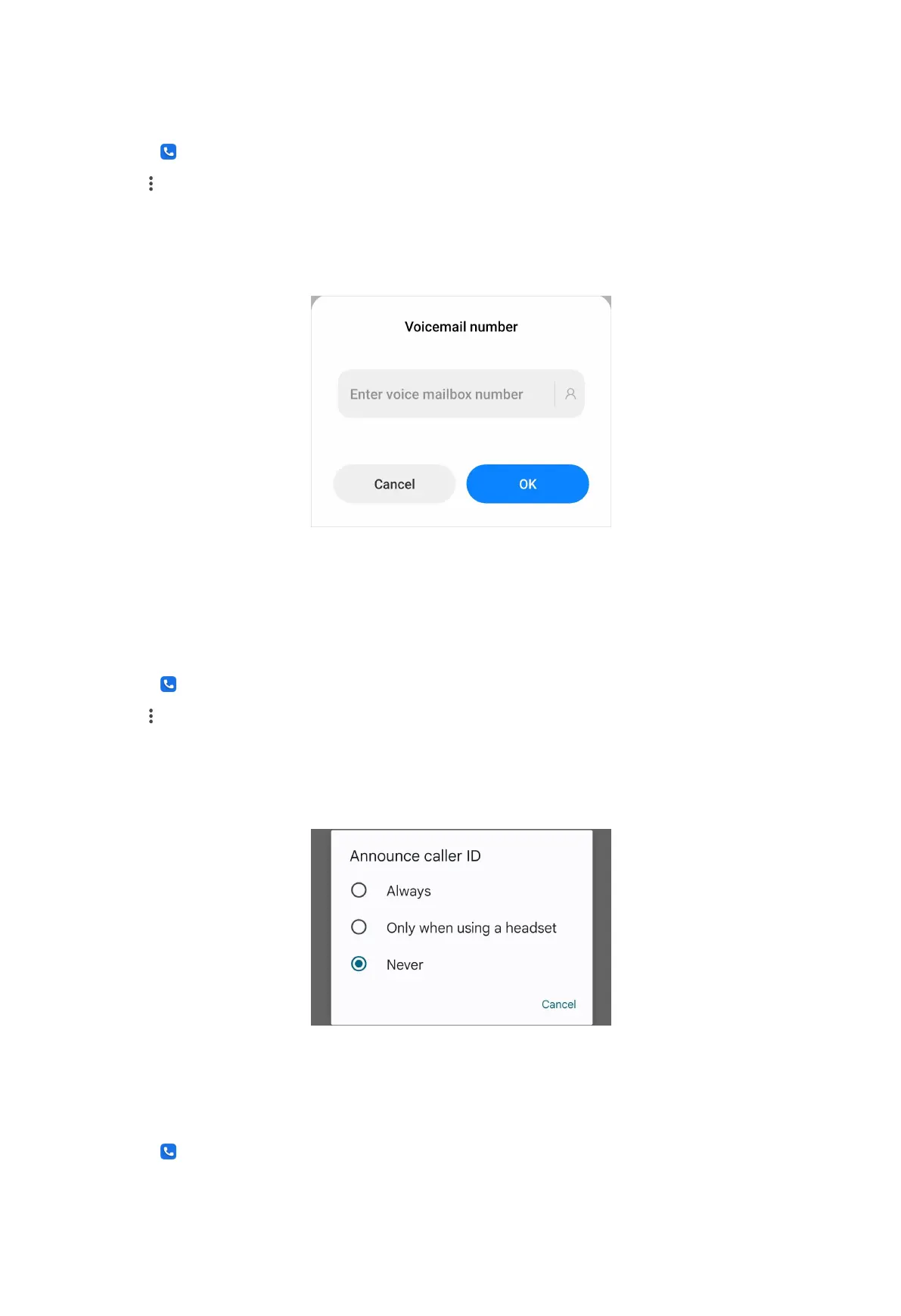
4. Tap Voicemail number to enter a voice mailbox number.
5. Tap OK.
Announce caller ID
The caller's name and number are read out loudly for the incoming calls.
1. Open
Phone.
2. Tap at the upper-right corner of the phone.
3. Go to Settings > Caller ID announcement.
4. Tap Announce caller ID to select the announcement frequency.
Flip to silence
You can place your phone face down on a flat surface to silence the incoming call.
1. Open
Phone.
43



 To Next Page